This studio is in preview. Create a free account and we will let you know when it goes live.
Notify me at launch Room Design & Virtual Staging
Virtual staging AI for listings
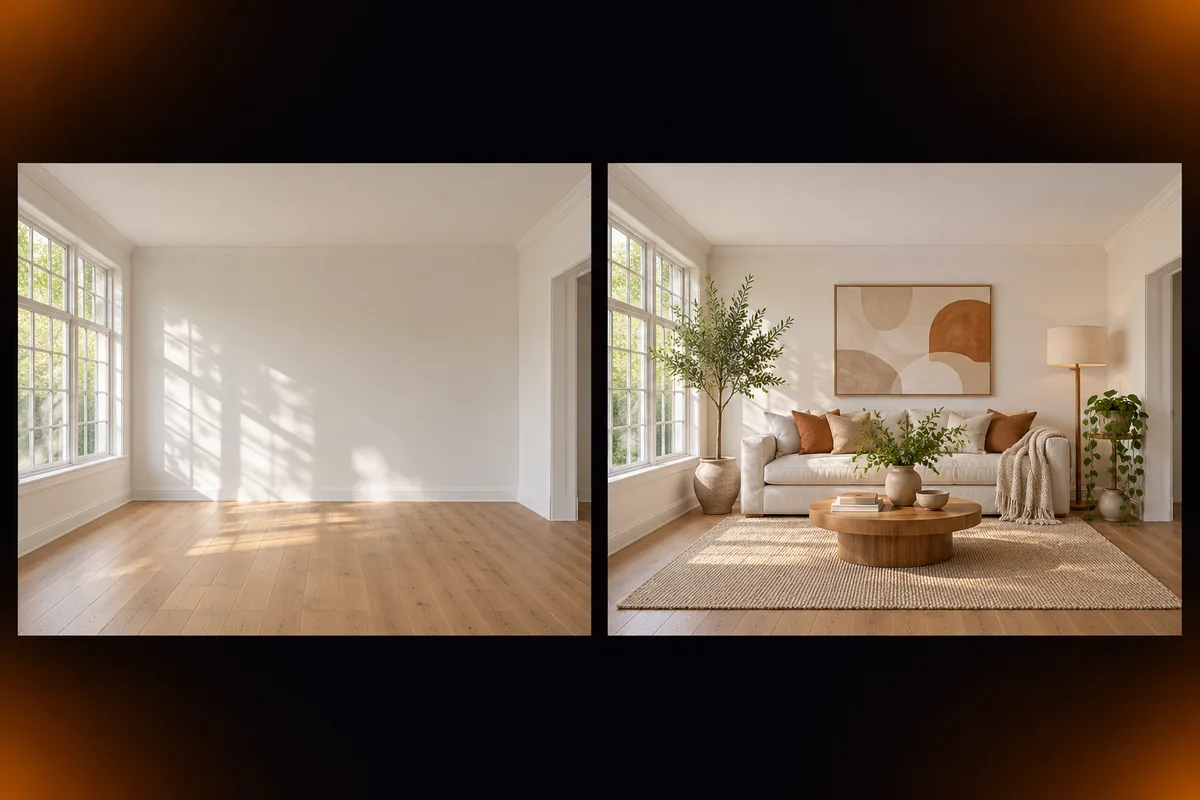
Show buyers a furnished home from a photo of an empty one, and keep the original beside it.
- In preview: try the studio, generation opens soon
- Edit before export
How to use the room design & virtual staging studio
Upload a room photo
Empty, cluttered or simply outdated. Wide shots work best.
Pick the style
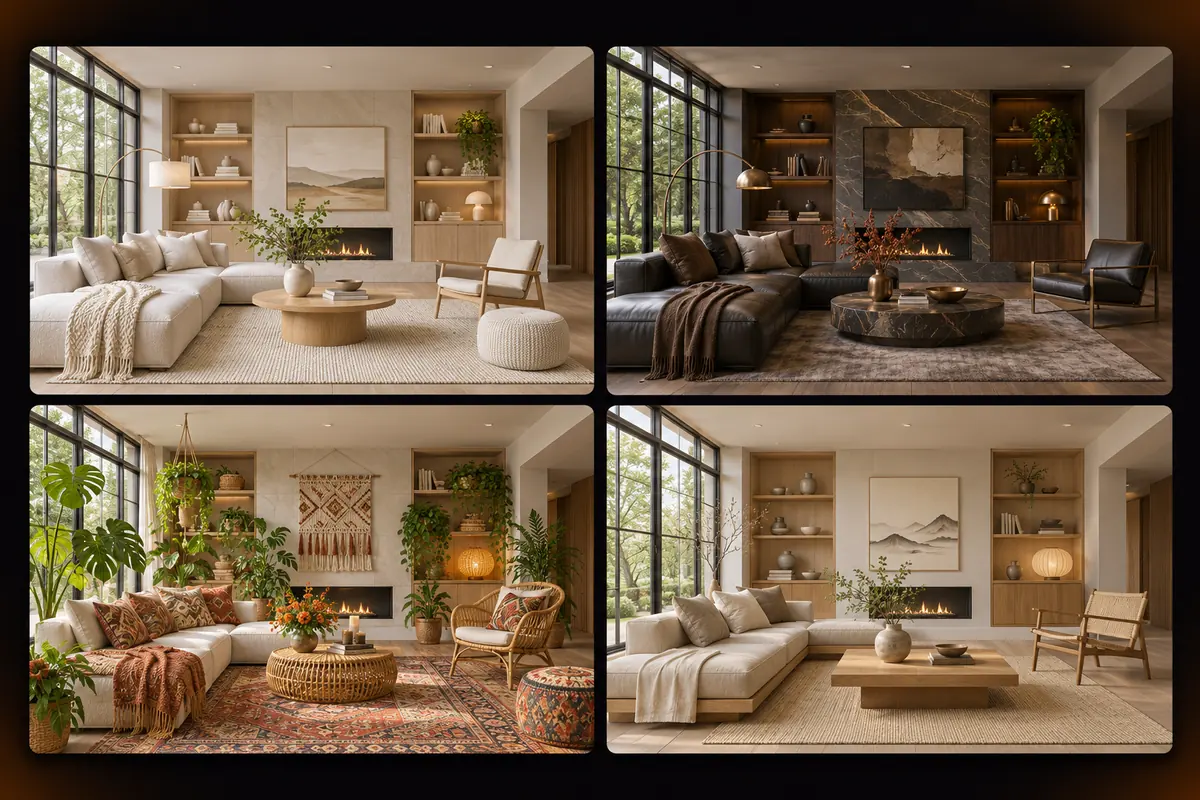
Modern, Scandinavian, industrial, Japandi, luxury or boho.
Compare and export
Slide between before and after and download the result.
Why use Vixo for room design & virtual staging
Before and after slider
One handle to compare the two versions.
Room types
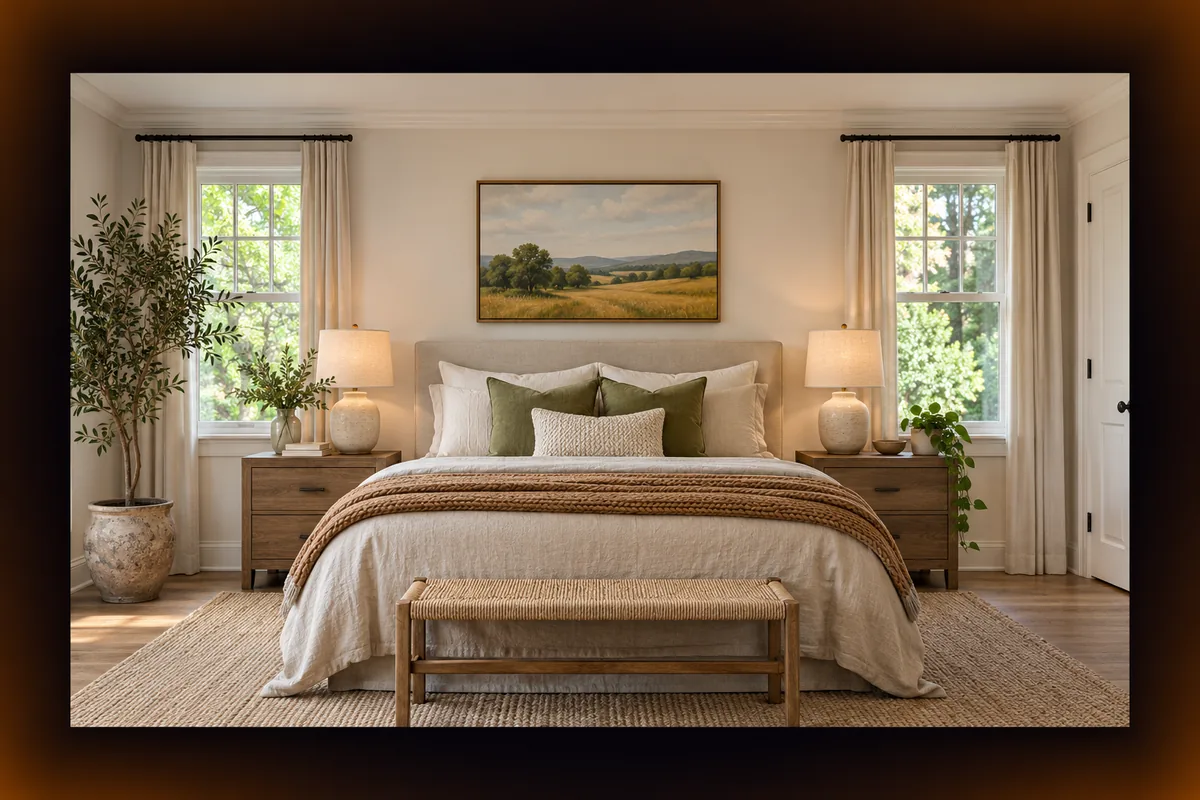
Living room, bedroom, kitchen, office and more.
Listing friendly
Made for property listings and renovation ideas.
Questions, answered
Can I use it today?
The studio is in preview. You can upload a room, pick a style and try the wall and floor previews, and AI staging is switched on at launch. Create a free account to be notified.
Is virtual staging allowed in property listings?
Usually yes when it is disclosed. Check the rules of your listing service and label staged photos as virtually staged.
Does it change the room structure?
No. Walls, windows and doors are meant to stay where they are. Only furniture, decor and finishes change.
What photo works best?
A level, well lit wide shot that shows the floor and at least two walls.
Explore other studios
All tools












Ready to try the room design & virtual staging studio?
Your first draft is about a minute away.