 Social Carousels
AI social post generator
Slides, caption and hashtags from one idea, in your brand style.
- 3 free designs a day, no sign up
- 30 a month with a free account
- Edit before export
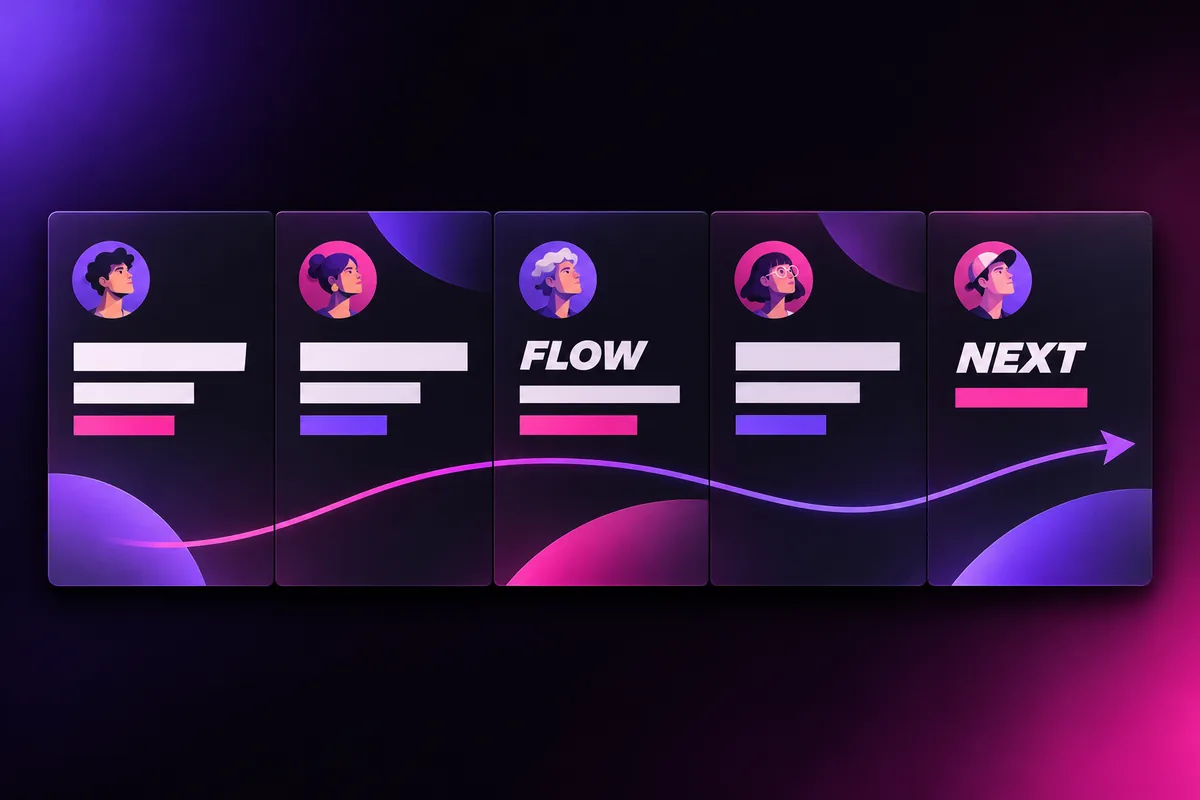
How to use the social carousels studio
Step 1
Paste your text
Raw notes, a post, an article or just a topic.
Step 2
AI builds the story
A 6 to 10 slide arc from hook to call to action.
Step 3
Brand and export
Add your avatar and handle, then export PDF or PNGs.
Why use Vixo for social carousels

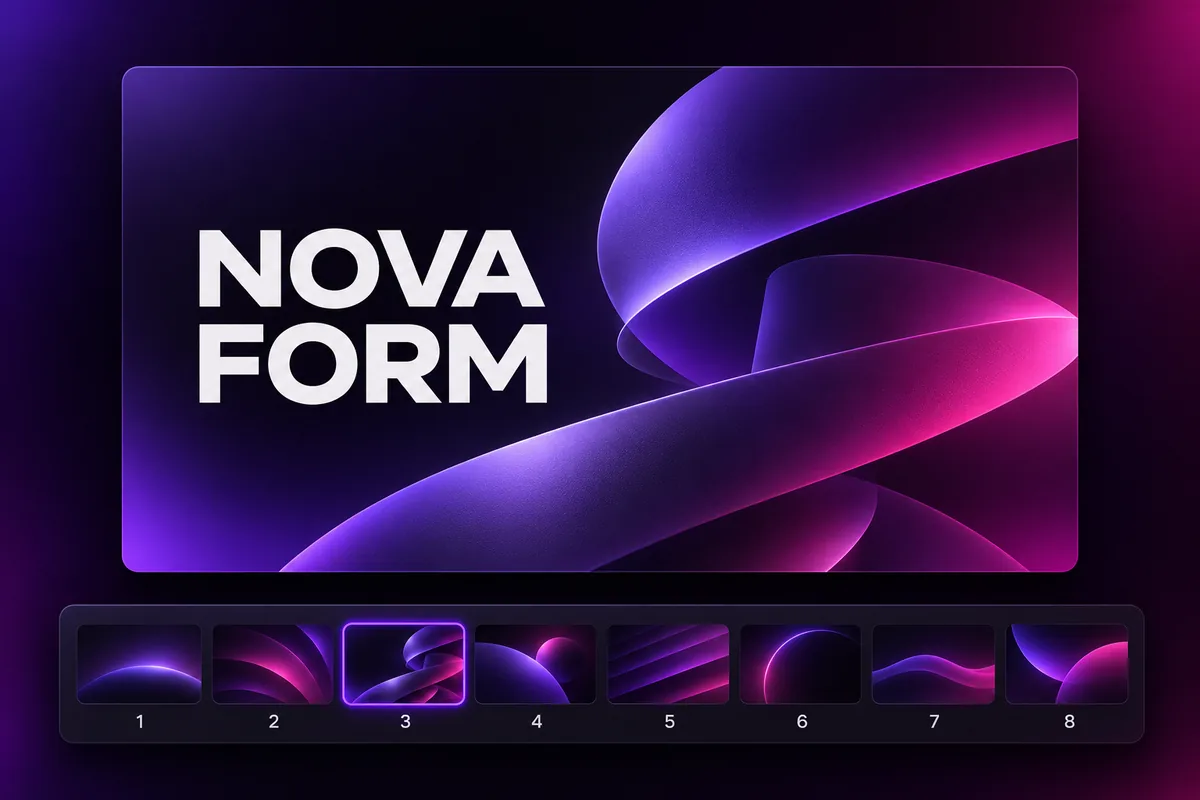
Progress cues
Slide counter, progress bar and swipe hint.
LinkedIn PDF
Multi page document post, 1080x1350.
Instagram ZIP
Portrait PNG slides ready to upload.
Questions, answered
What size is a LinkedIn carousel?
Vixo exports 1080x1350 portrait pages as a PDF, the format LinkedIn shows largest in the feed.
How do I post it on LinkedIn?
Start a post, choose Add a document, upload the PDF and add a title. Vixo also writes a caption for you.
Can I edit the slides?
Yes. Click any text to rewrite it, reorder ideas and change the theme.
Also known asSocial Carousels
Explore other studios
All tools











Ready to try the social carousels studio?
Your first draft is about a minute away.