 AI Headshots
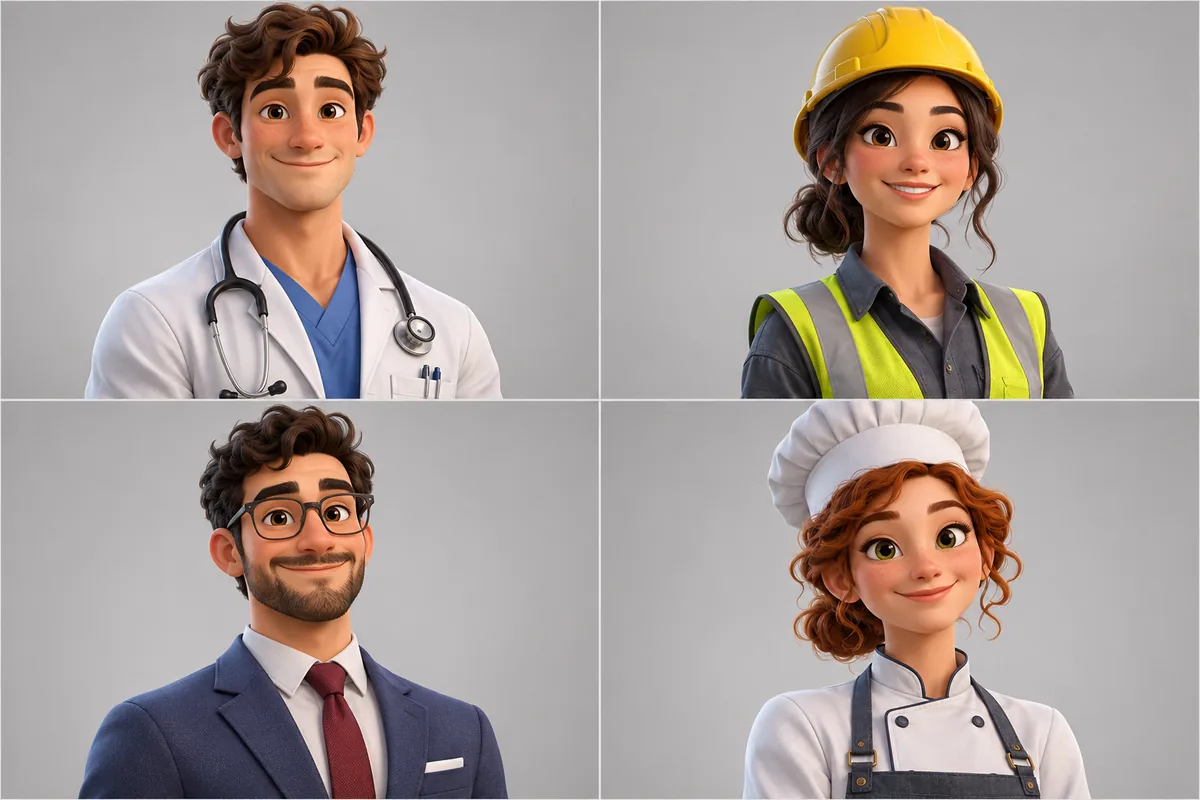
Professional AI avatar for every profile
A clean, studio-lit avatar that fits LinkedIn, Slack and your email signature.
- 3 free designs a day, no sign up
- 30 a month with a free account
- Edit before export
How to use the ai headshots studio
Step 1
Upload selfies
1 to 3 clear, front facing photos in good light.
Step 2
Choose the look
8 wardrobe styles and 5 backdrops.
Step 3
Crop and download
Square avatar or 4:5 portrait, with a blur slider.
Why use Vixo for ai headshots
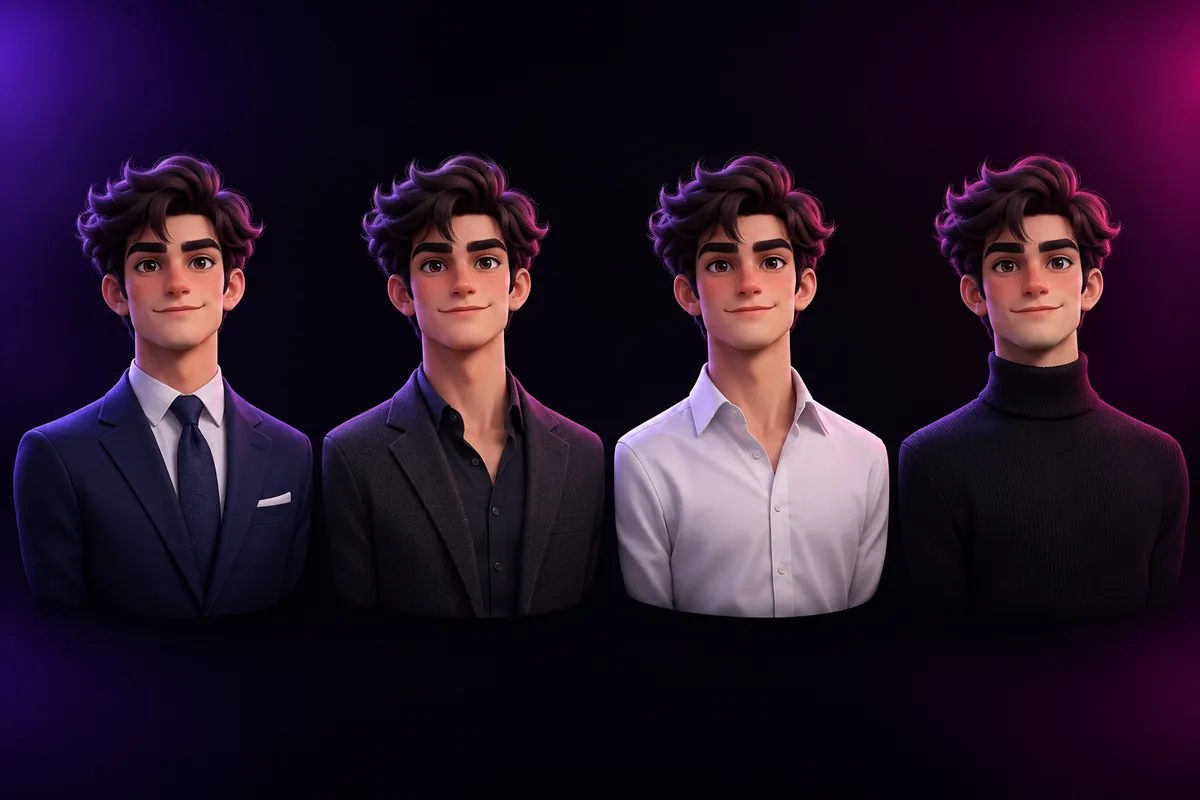
8 wardrobe presets
Navy suit, charcoal blazer, white button-down, tech turtleneck and more.
Generate headshots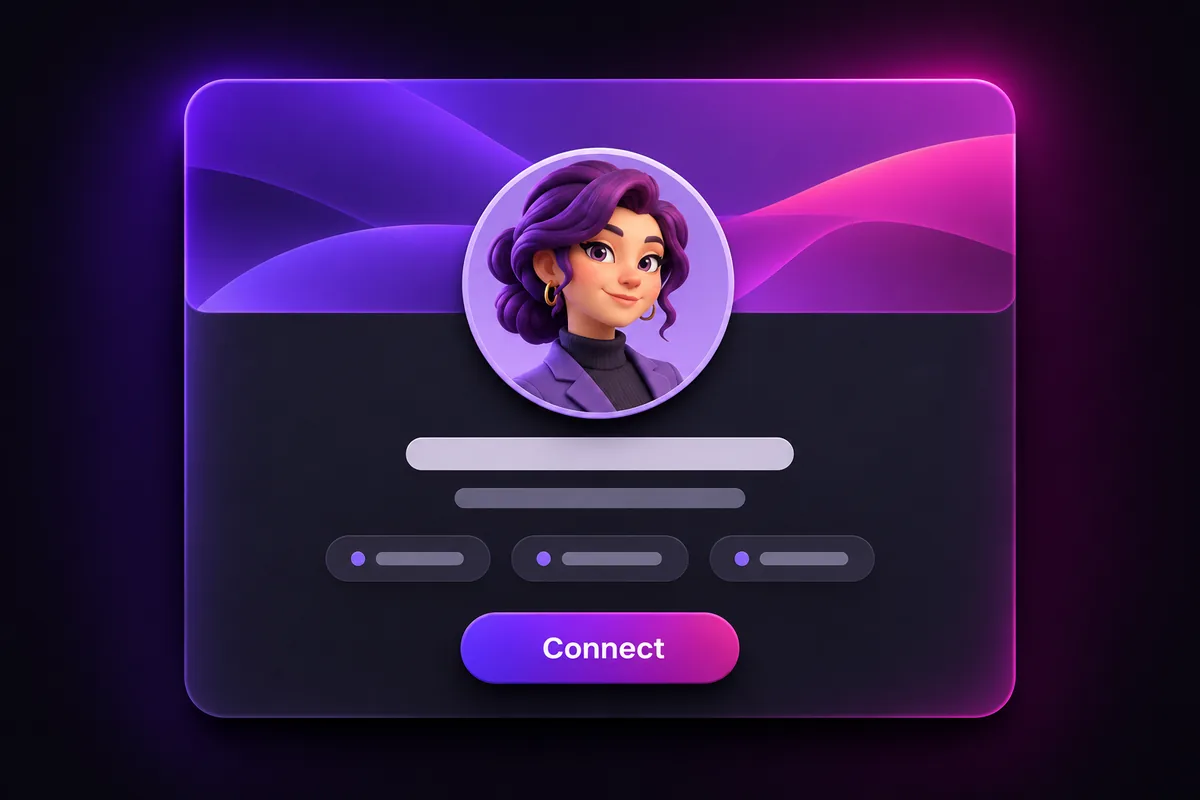
LinkedIn preview
See the portrait inside a profile mockup.
Smart crops
1:1 avatar and 4:5 portrait from the same shot.
Batch download
All portraits in one ZIP.
Questions, answered
How many photos do I need?
One works, three clear selfies from slightly different angles work better.
Whose photos can I upload?
Only photos of yourself, or of someone who gave you permission.
Will it look like me?
The AI uses your selfies as reference. Results vary, so you can retry any shot you do not like.
Explore other studios
All tools






Ready to try the ai headshots studio?
Your first draft is about a minute away.