 Lead Magnet PDFs
PDF infographic generator
Turn a topic into a clean, shareable PDF with checklists and callouts.
- 3 free designs a day, no sign up
- 30 a month with a free account
- Edit before export
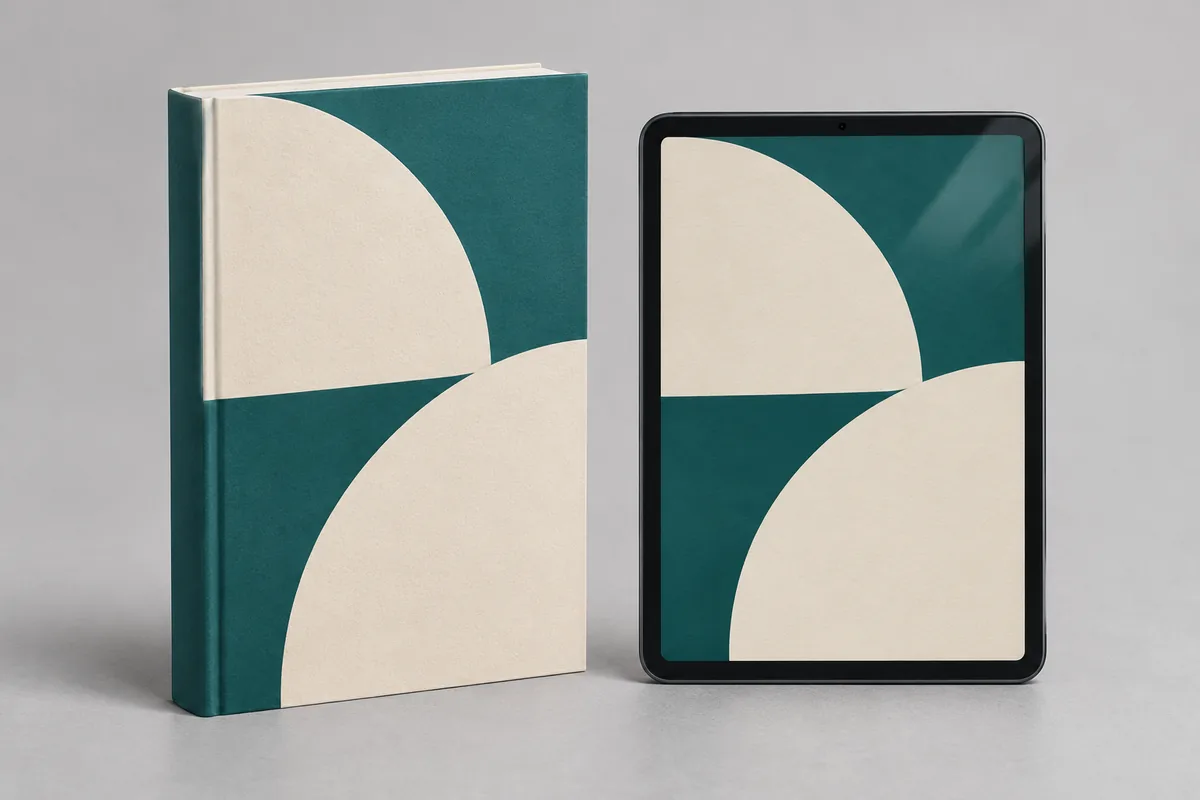
How to use the lead magnet pdfs studio
Step 1
Pick a format
Checklist, 5-pillar blueprint, resource directory or cheatsheet.
Step 2
AI writes the guide
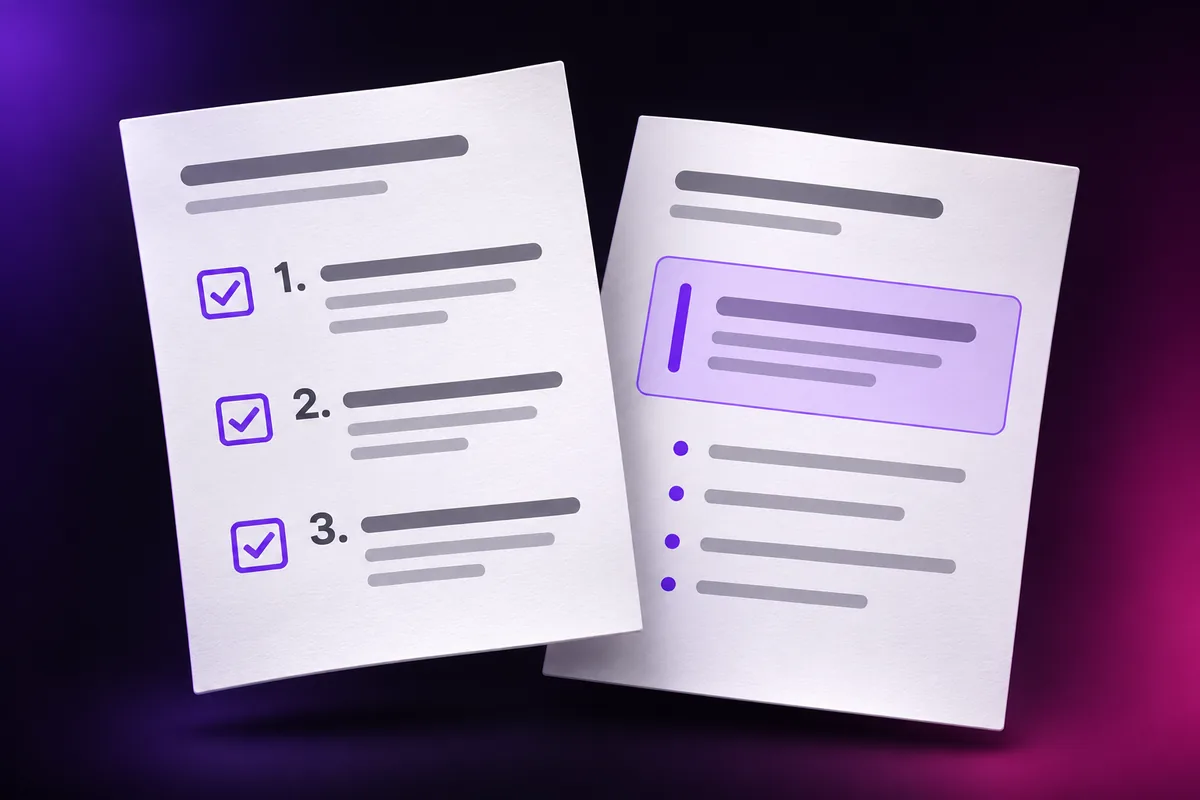
Sections, numbered steps, callout boxes and an author bio.
Step 3
Publish it
Download the PDF, a 3D cover mockup and the email gate code.
Why use Vixo for lead magnet pdfs
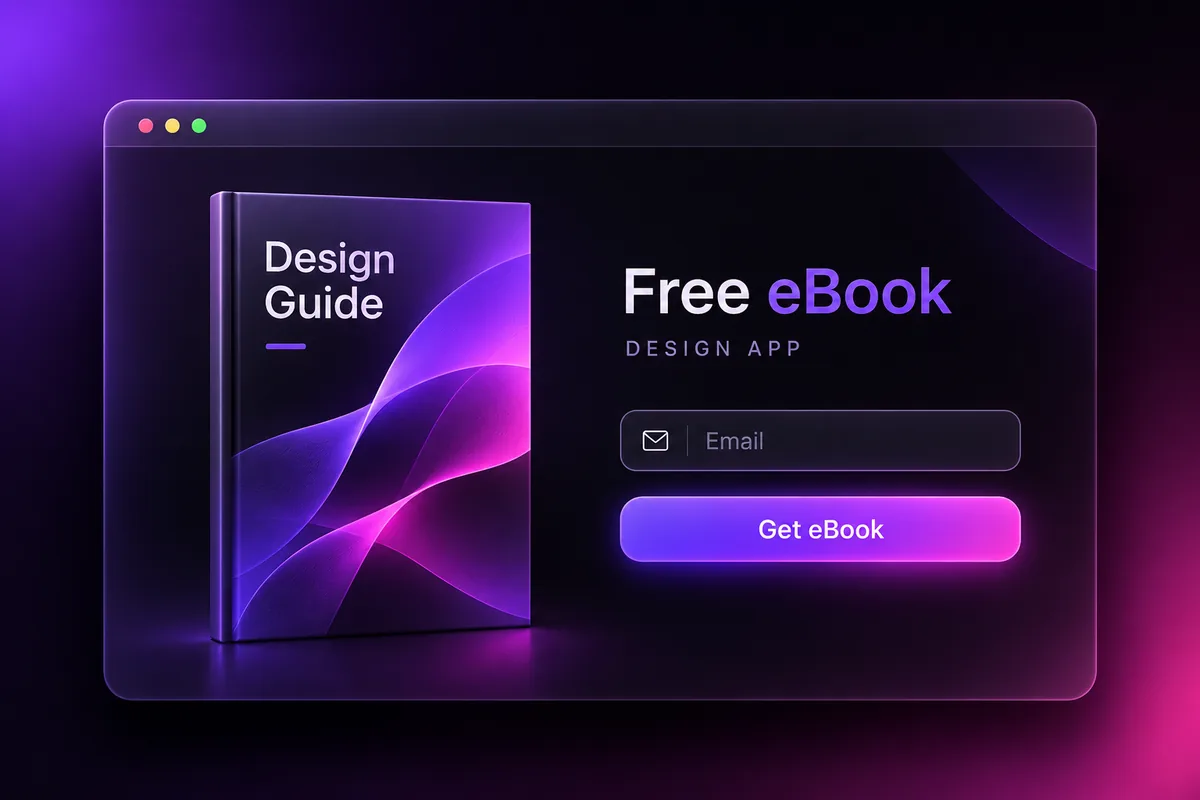
Email gate snippet
Copy and paste HTML to unlock the PDF by email.
Inline editing
Rewrite any section before you export.
Brand styled
Uses your brand kit colors and fonts.
Questions, answered
What is a lead magnet?
A free, useful download you give in exchange for an email address, such as a checklist or cheatsheet.
How long is the PDF?
Usually 4 to 8 pages depending on the format and topic.
Does the email gate collect emails for me?
The snippet is a form you connect to your own email tool. Vixo does not store your leads.
Also known asLead Magnet PDFs
Explore other studios
All tools











Ready to try the lead magnet pdfs studio?
Your first draft is about a minute away.