 Tattoo Designs & Stencils
Tattoo stencil generator
Clean line work from any idea, with a threshold slider for the right amount of detail.
- 3 free designs a day, no sign up
- 30 a month with a free account
- Edit before export
How to use the tattoo designs & stencils studio
Describe the idea
Concept, style and where it goes on the body.
AI draws the designs
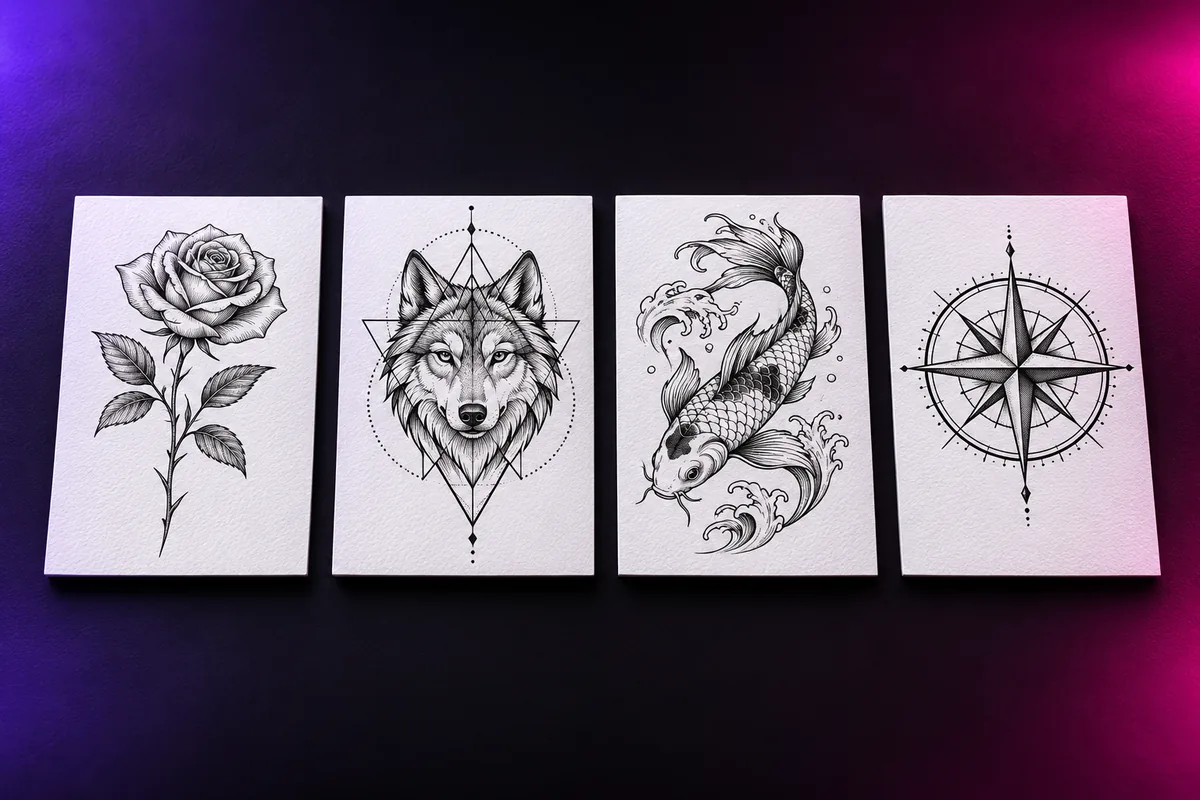
Several shaded concepts on clean white paper.
Stencil and preview
Switch to line art, try it on a photo of your skin, export.
Why use Vixo for tattoo designs & stencils
Six tattoo styles
Fine line, blackwork, neo-traditional, realism, irezumi, watercolor.
Design my tattoo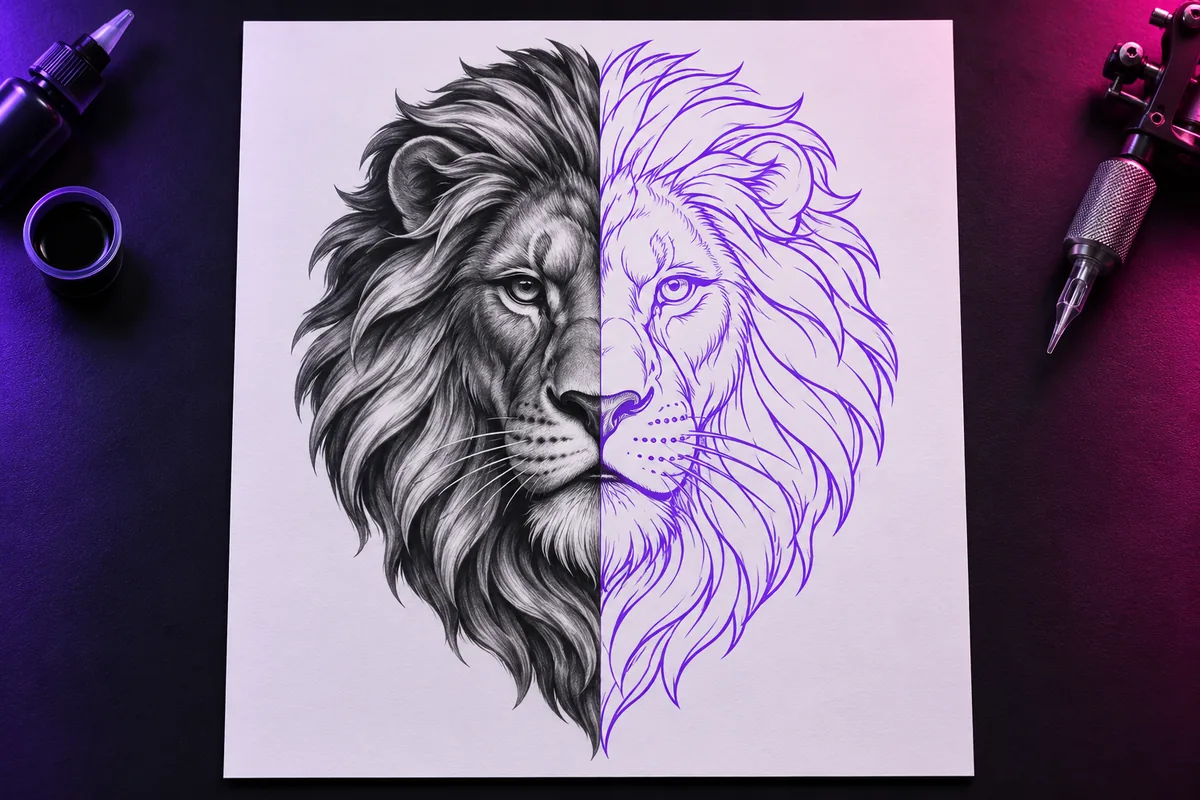
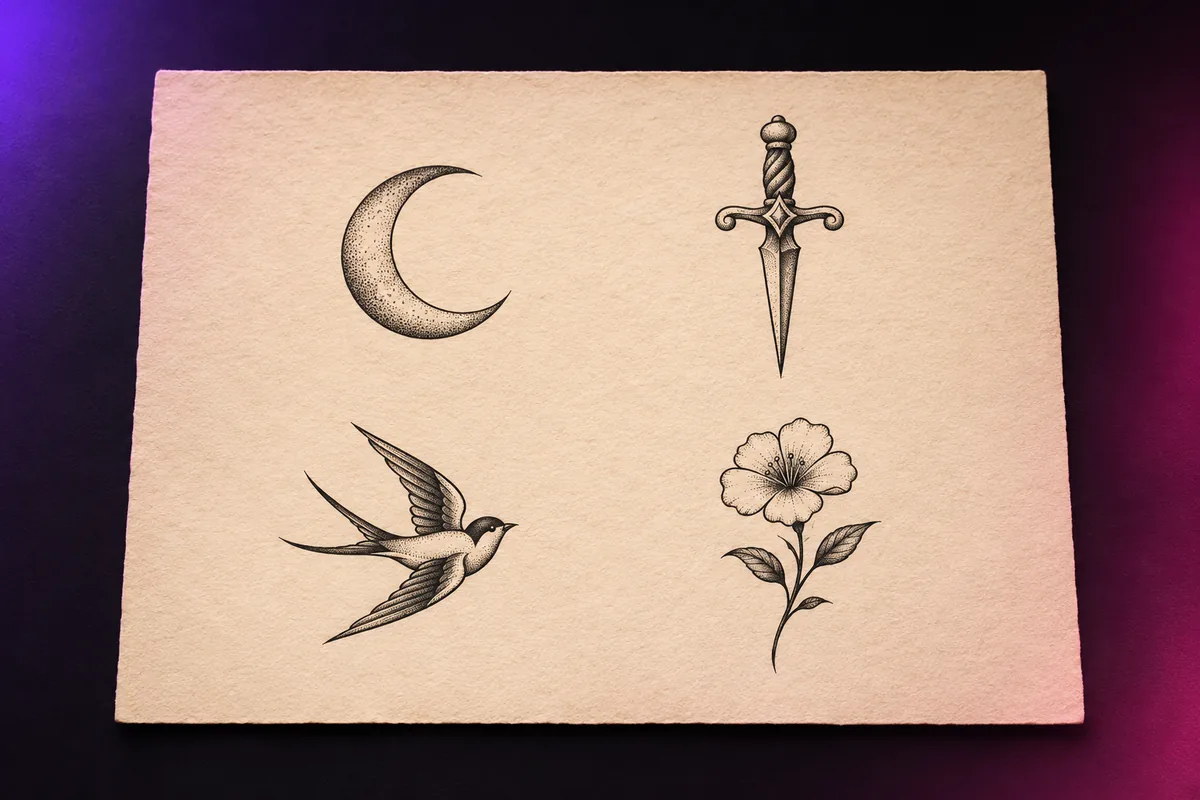
Flash sheet mode
A themed set of small complementary tattoos.
Stencil PDF
A print ready page for your artist.
Transparent PNG
The design without the paper background.
Questions, answered
Can a tattoo artist use the stencil?
Bring it as a reference. Most artists redraw or adjust a design to fit your body and their style.
How do I make a tattoo stencil?
Generate a design, open the stencil view, adjust the threshold until the lines are clean, then export the PDF.
Can I preview it on my skin?
Yes. Upload a photo and drag, scale and rotate the design. The preview is flat, so curved areas are approximate.
Explore other studios
All tools







Ready to try the tattoo designs & stencils studio?
Your first draft is about a minute away.