This studio is in preview. Create a free account and we will let you know when it goes live.
Notify me at launch Clothes Changer & Try-On
AI dress changer for any photo
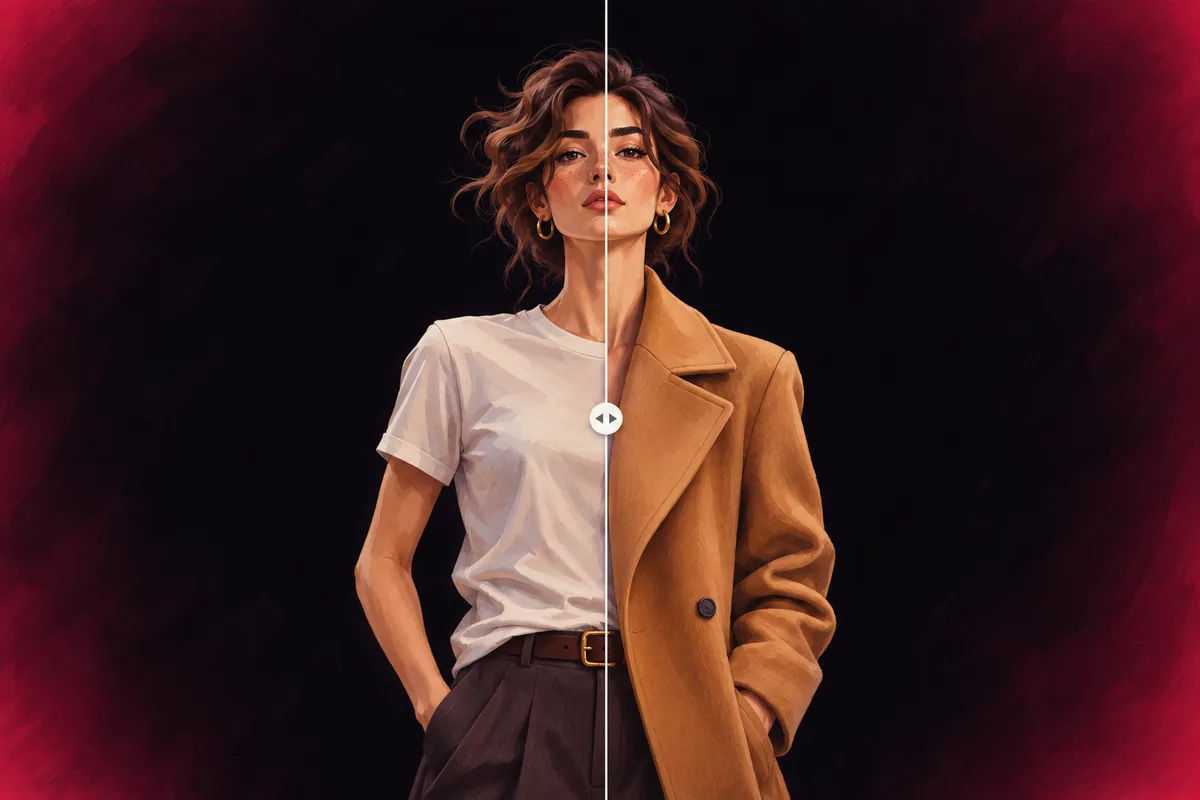
Swap a dress for another style or color and compare the two looks side by side.
- In preview: try the studio, generation opens soon
- Edit before export
How to use the clothes changer & try-on studio
Add a photo
A clear, front facing photo of a person or model.
Choose the garment
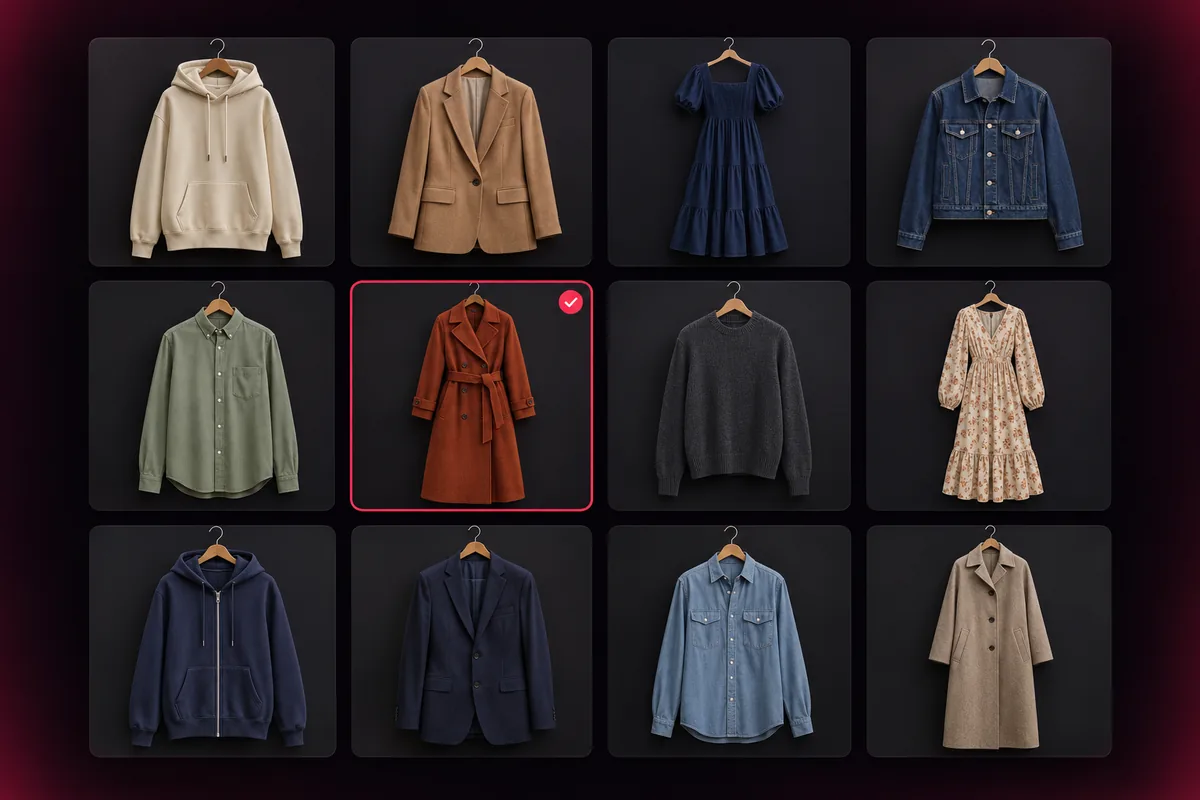
Pick a preset such as a hoodie, suit or dress, or upload a garment photo.
Compare the result
Slide between before and after, then export the look.
Why use Vixo for clothes changer & try-on
Before and after slider
Drag one handle to compare the original and the new look.
Photos stay private
In the preview your photo never leaves your browser.
Lookbook framing
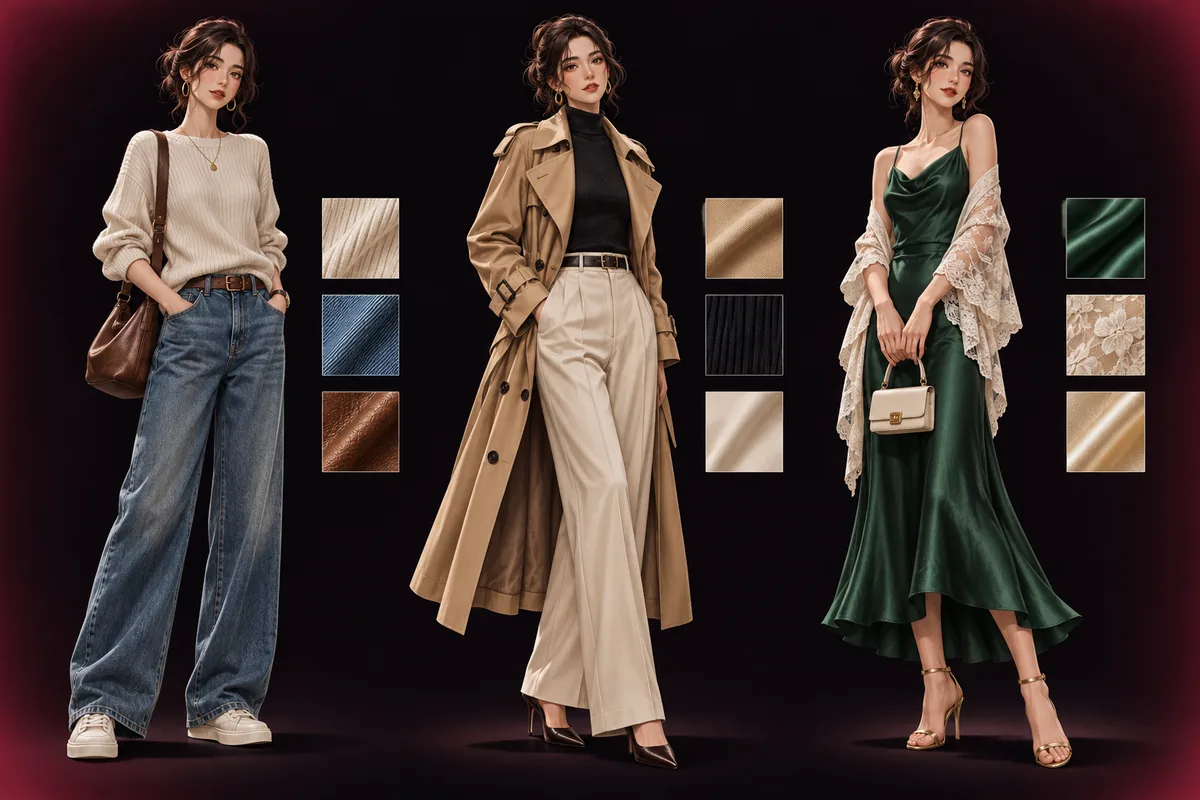
Portrait, square and full body crop frames.
Questions, answered
Can I use it today?
The studio is in preview. You can upload photos, pick garments and use every control, and the AI try-on is switched on at launch. Create a free account to be notified.
Whose photos can I upload?
Only photos of yourself, or of a model who gave you permission.
Will it work for an online store?
That is the main use: showing one garment on a model without a new photo shoot. Results will vary with the photo quality.
Does it change the face or body?
No. The goal is to change only the clothing and keep the person as they are.
Explore other studios
All tools







Ready to try the clothes changer & try-on studio?
Your first draft is about a minute away.