 Flyers & Brochures
Print-ready flyers & brochures with AI
No InDesign needed. Describe your business or event. Vixo writes the copy, creates the photo and lays out a flyer or brochure you can edit inline.
- 3 free designs a day, no sign up
- 30 a month with a free account
- Edit before export
How to use the flyers & brochures studio
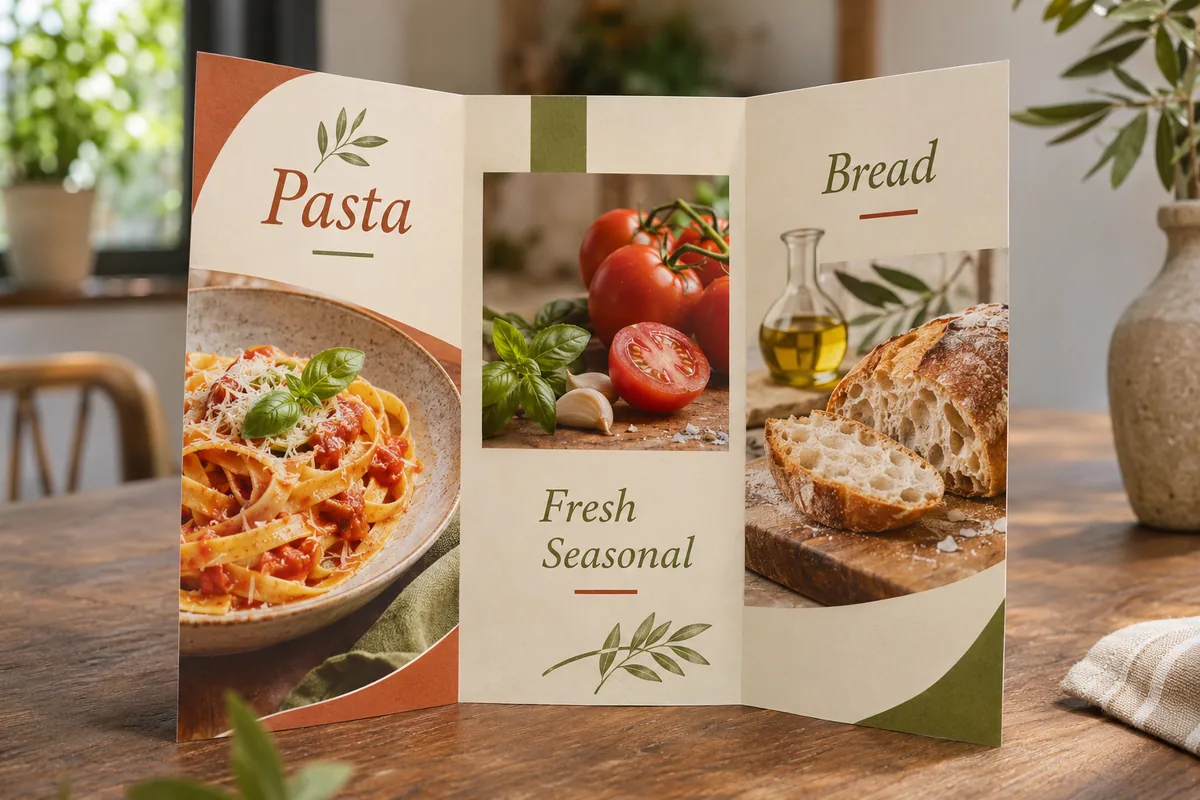
Choose a format
Flyer, tri-fold brochure, event poster or restaurant menu.
AI builds the layout
Hook, about, services, testimonial, call to action and a hero photo.
Edit and print
Click any text to edit, add a QR code, export a PDF with bleed.
Why use Vixo for flyers & brochures
Print mode
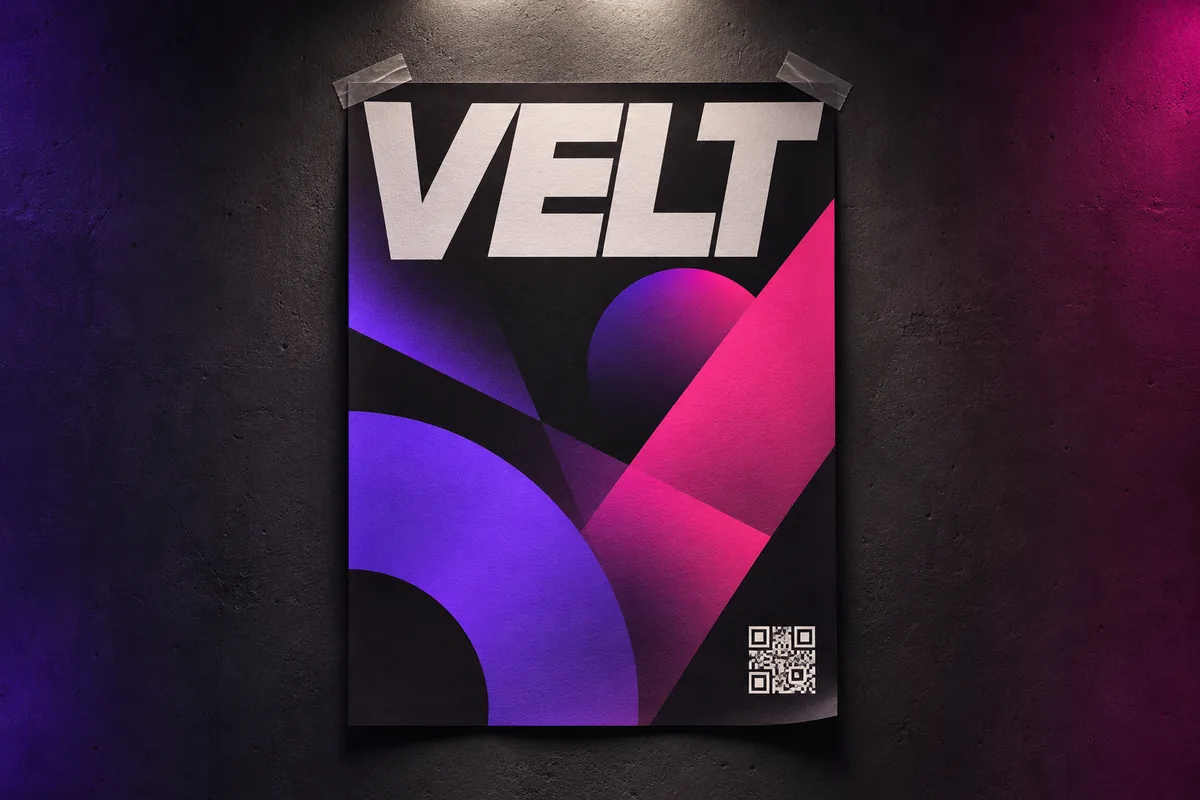
3 mm bleed and crop marks for the print shop.
Layout variants
Switch between three balanced designs in one click.
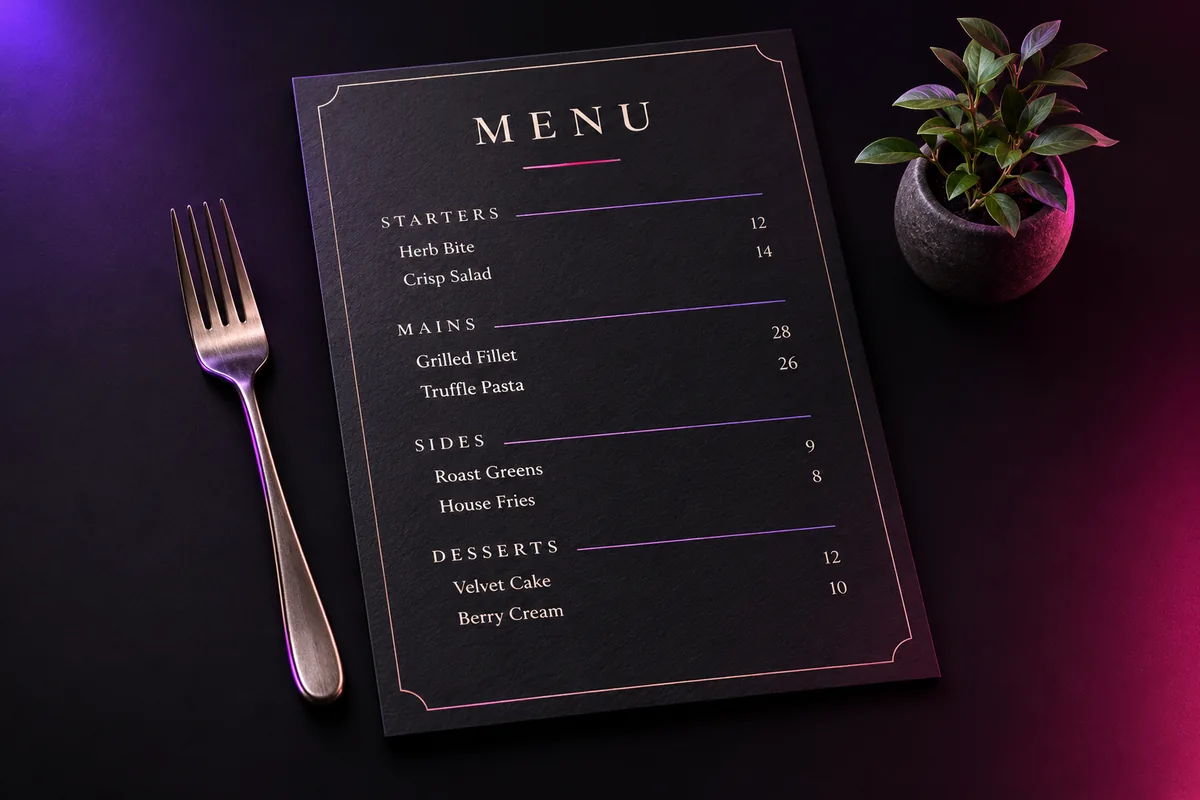
Menu layout
Sections, items and prices for restaurants.
Questions, answered
Can I send the PDF to a print shop?
Yes. Turn on print mode for bleed and crop marks. The PDF is high resolution RGB, which most print shops accept and convert.
Which sizes are supported?
US Letter flyer, tri-fold brochure, A4 poster and a menu layout.
Can I change the photo?
Yes. Regenerate the hero image with a new prompt at any time.
Explore other studios
All tools







Ready to try the flyers & brochures studio?
Your first draft is about a minute away.