This studio is in preview. Create a free account and we will let you know when it goes live.
Notify me at launch Pixel Art & Sprite Sheets
Game asset generator for indie developers
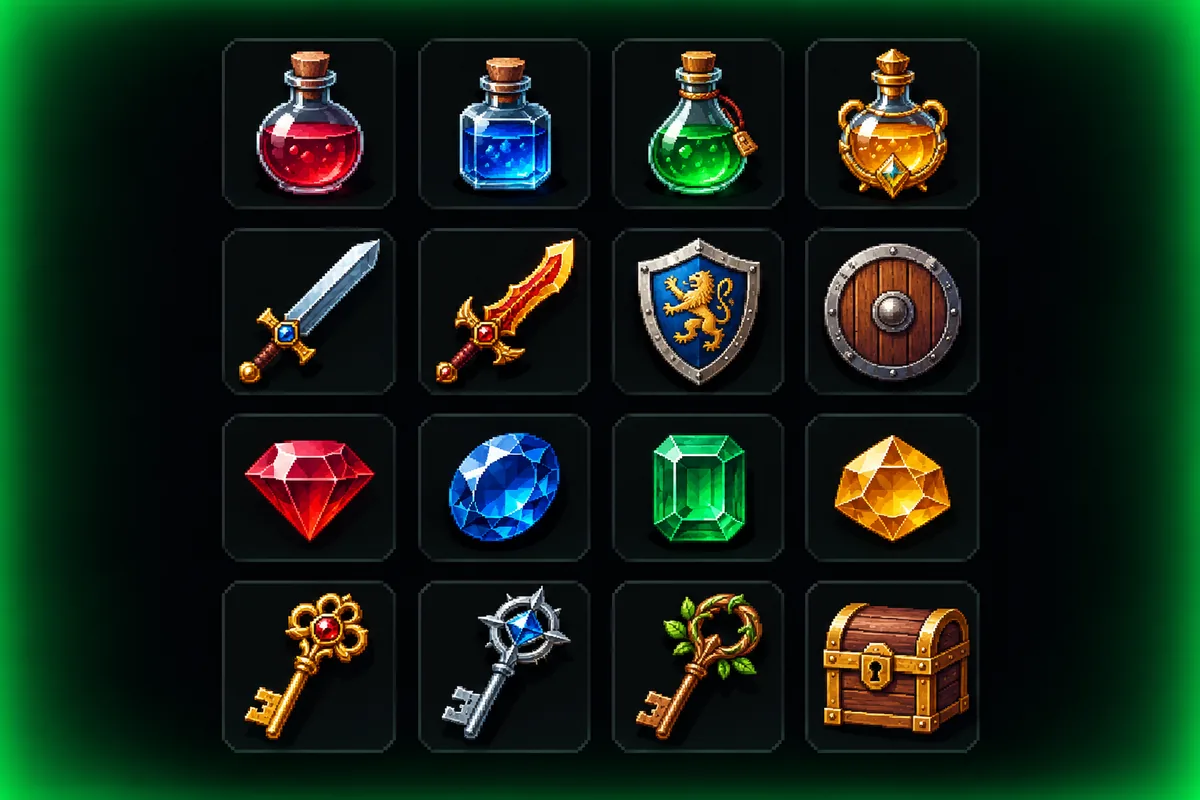
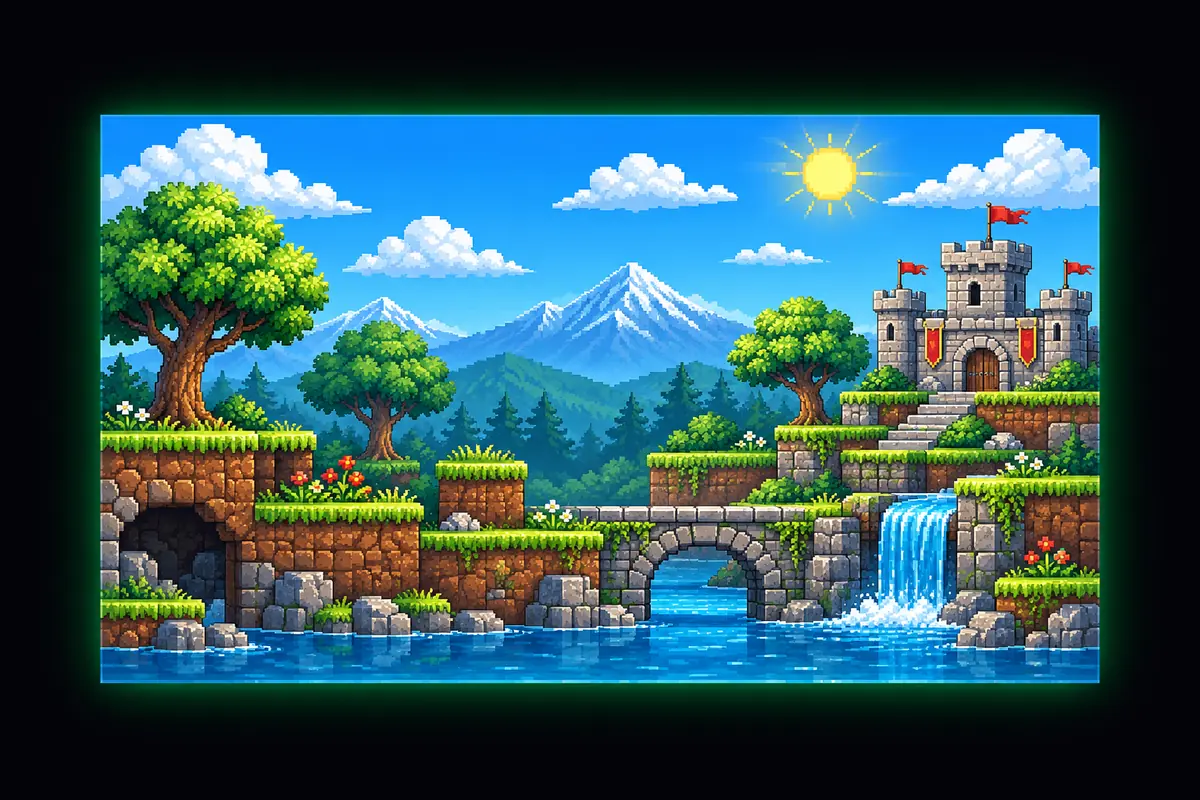
Characters, items and icons on a pixel grid, ready to drop into your project.
- In preview: try the studio, generation opens soon
- Edit before export
How to use the pixel art & sprite sheets studio
Pick a grid and palette
16, 32 or 64 pixels with a limited retro palette.
Draw or convert
Use pencil, eraser, fill and mirror, or convert a photo.
Animate and export
Preview frames at 12 fps, then export the sheet and JSON.
Why use Vixo for pixel art & sprite sheets
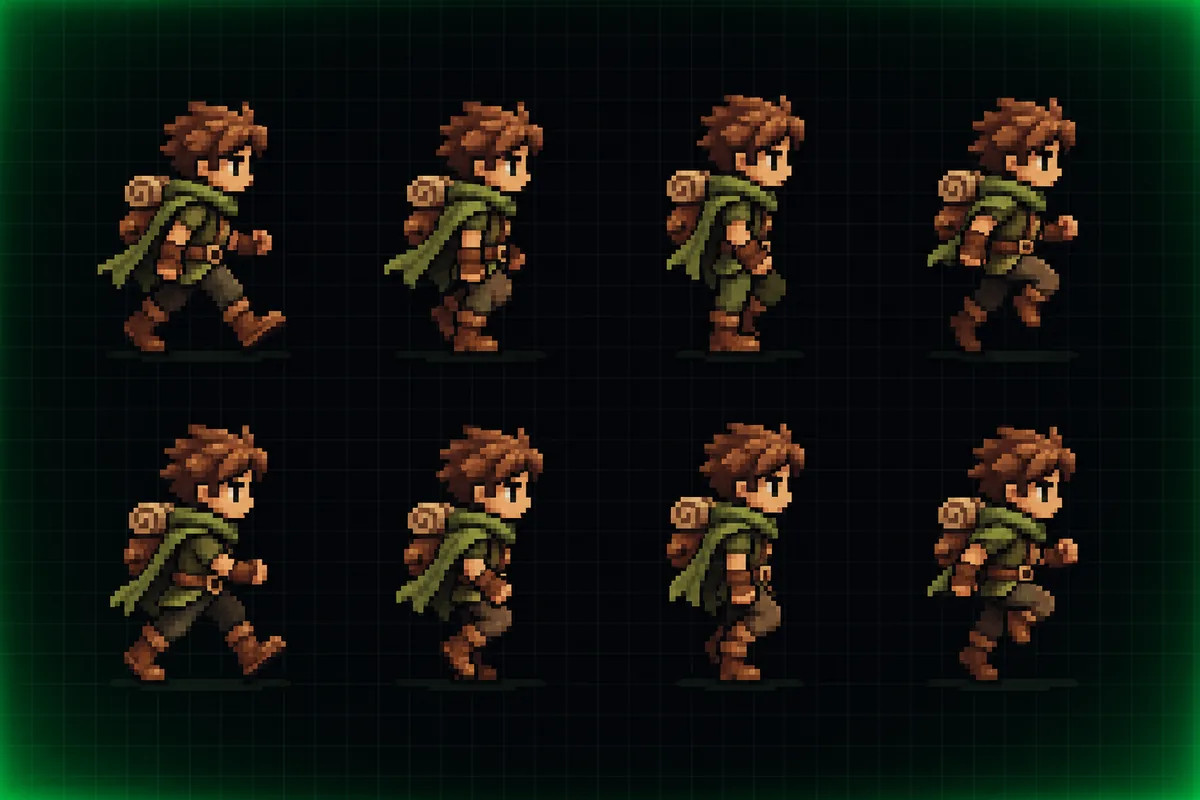
Walk cycle preview
Frame strip with a looping 12 fps preview.
Sprite sheet export
PNG on a power of two canvas.
Frame metadata
A JSON file with frame positions for your engine.
Questions, answered
What works today?
The editor, photo conversion, animation preview and both exports all work now in your browser. Generating sprites from a text prompt is in preview and opens at launch.
Which engines can use the export?
The sheet is a normal PNG and the JSON lists each frame's x, y, width and height, which Unity, Godot and most engines can read with a small import script.
What sprite sizes are supported?
16x16, 32x32 and 64x64 pixels per frame.
Does my photo get uploaded?
No. Photo conversion runs entirely in your browser.
Explore other studios
All tools








Ready to try the pixel art & sprite sheets studio?
Your first draft is about a minute away.