 Product Ads & Infographics
Product infographic maker with AI
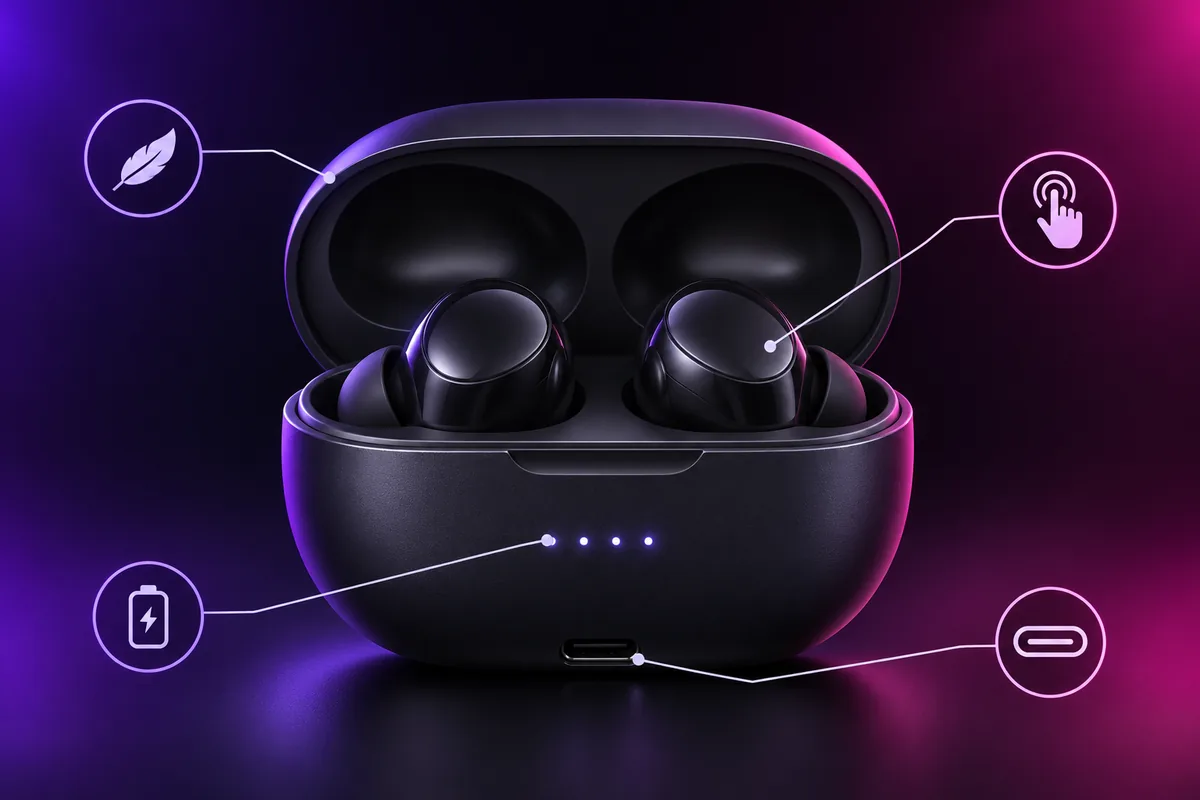
Point to what matters. Vixo extracts key features and lays them out as clean callouts you can drag into place.
- 3 free designs a day, no sign up
- 30 a month with a free account
- Edit before export
How to use the product ads & infographics studio
Paste a link or upload
Amazon, Shopify, Etsy or WooCommerce URL, or a product photo.
AI writes and shoots
Value props, three headline hooks and a studio background scene.
Compose and export
Drag badges and callouts, then export for Meta, Stories and Amazon.
Why use Vixo for product ads & infographics

Badge library
Fast Shipping, 5-Star Rated, Limited Stock and your own.
Every format
1080x1080, 1080x1920 and 2000x2000 infographic.
PNG and WebP
Web ready exports, or all formats in one ZIP.
Questions, answered
Which stores work?
Any public product page. Vixo reads the title, description, price and main image. If a store blocks reading, upload the photo instead.
Is the text baked into the image?
No. Headlines, badges and callouts are live layers, so you can edit every word before export.
Can I use my own photo?
Yes. Upload a product shot on a plain background for the best result.
Explore other studios
All tools








Ready to try the product ads & infographics studio?
Your first draft is about a minute away.