This studio is in preview. Create a free account and we will let you know when it goes live.
Notify me at launch SaaS Explainer Videos
Software demo video maker
Show how your product works without recording your screen again and again.
- In preview: try the studio, generation opens soon
- Edit before export
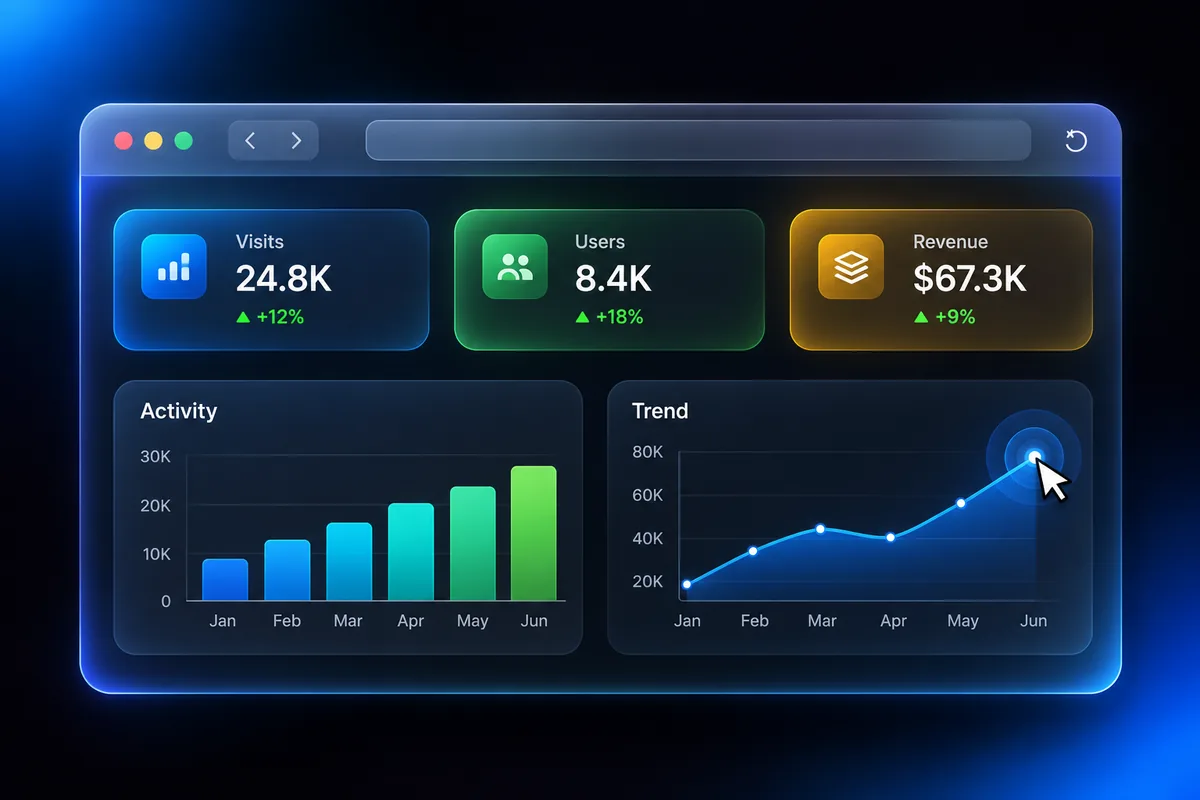
How to use the saas explainer videos studio
Add your screenshots
Drop a screenshot into each scene. Files stay in your browser during the preview.
Arrange the story
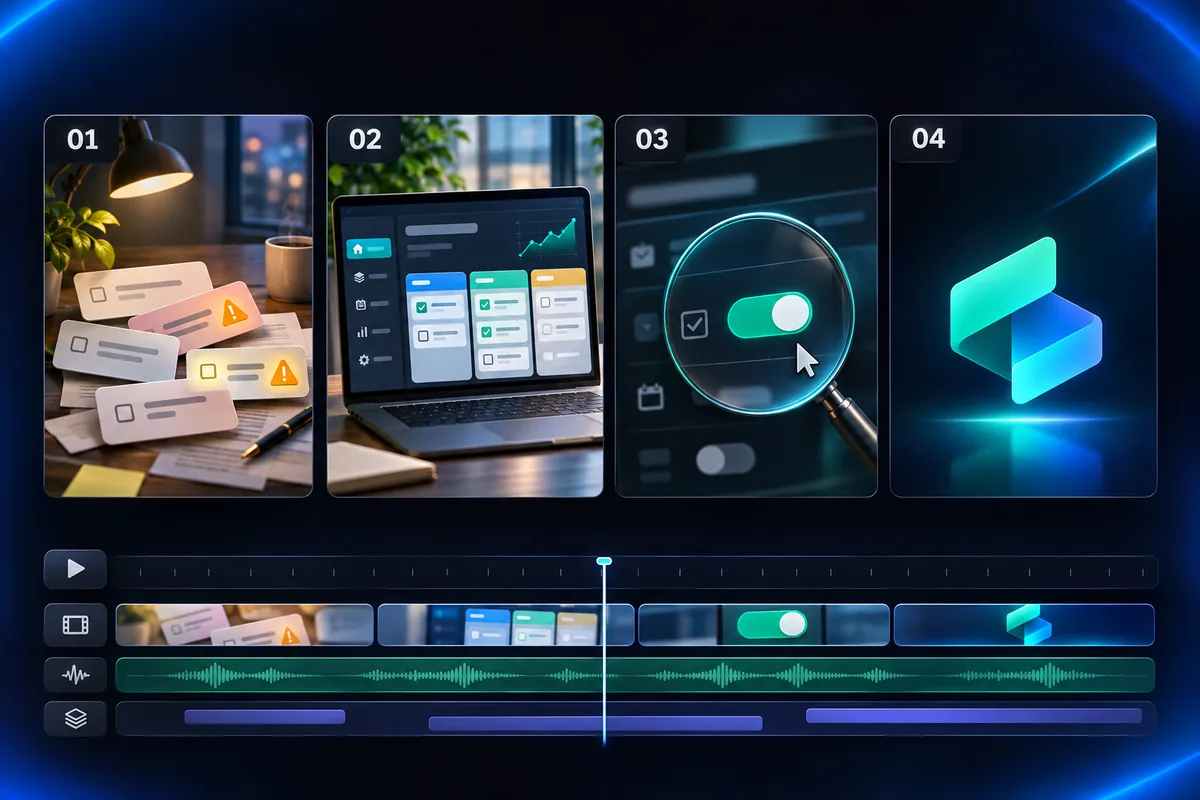
Problem, solution, feature callouts and a closing call to action. Drag to reorder.
Polish each scene
Pick a browser frame, switch on the cursor and zoom, and write the voiceover.
Why use Vixo for saas explainer videos
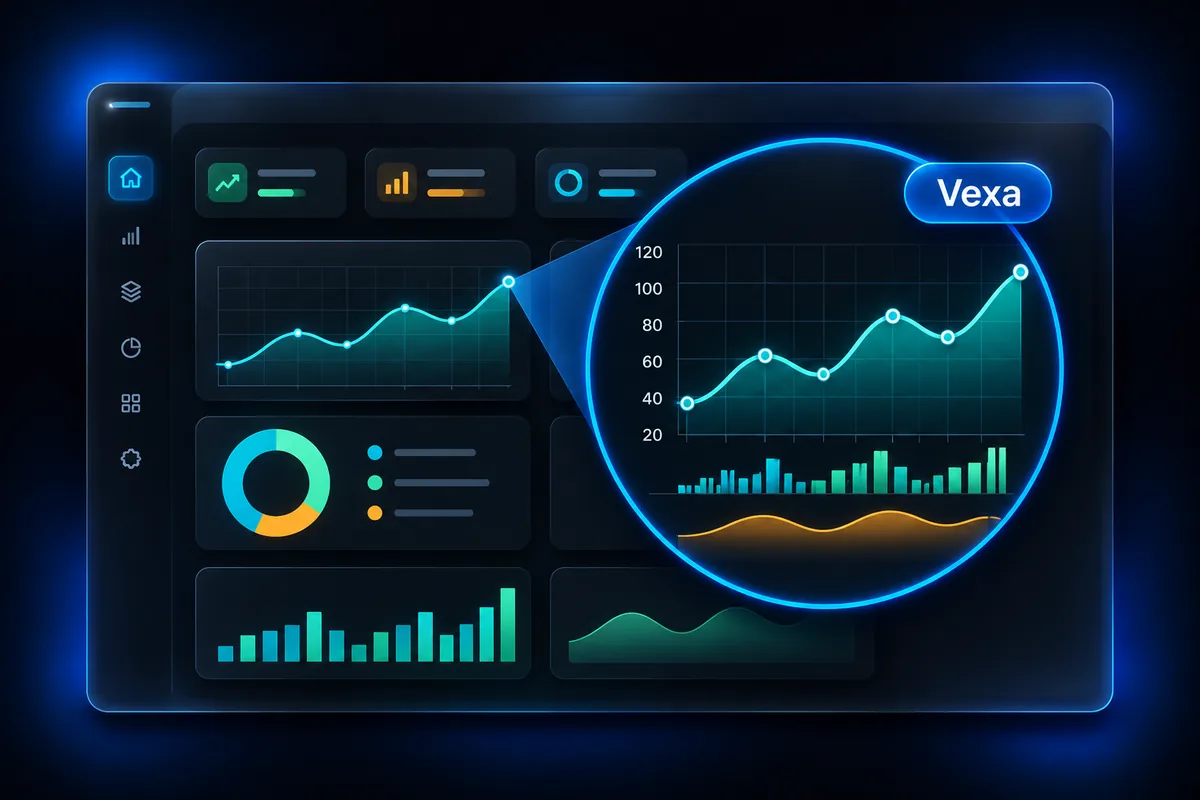
Zoom callouts
Push in on the part of the interface you are describing.
Voiceover script
Write per scene with a word count and estimated seconds.
Plays in order
Watch the scenes run back to back in the viewport.
Questions, answered
Can I render a video today?
Not yet. This studio is in preview: you can build and play the storyboard on screen, but rendering and export are not switched on. Sign up and we will notify you.
Are my screenshots uploaded?
No. In the preview they are only shown in your browser and are gone when you close the page.
How long is the video?
The default storyboard is four scenes of about one minute in total. You decide the script for each scene.
Will there be a voiceover?
That is the plan: the script you write per scene is what the narrator will read.
Explore other studios
All tools












Ready to try the saas explainer videos studio?
Your first draft is about a minute away.