This studio is in preview. Create a free account and we will let you know when it goes live.
Notify me at launch 3D Mockups & Book Covers
3D book covers and product mockups
Upload a flat design and see it wrapped on a hardcover book, a product box, a phone, a laptop or a jar. Rotate the camera, switch the finish and download the picture.
- In preview: try the studio, generation opens soon
- Edit before export
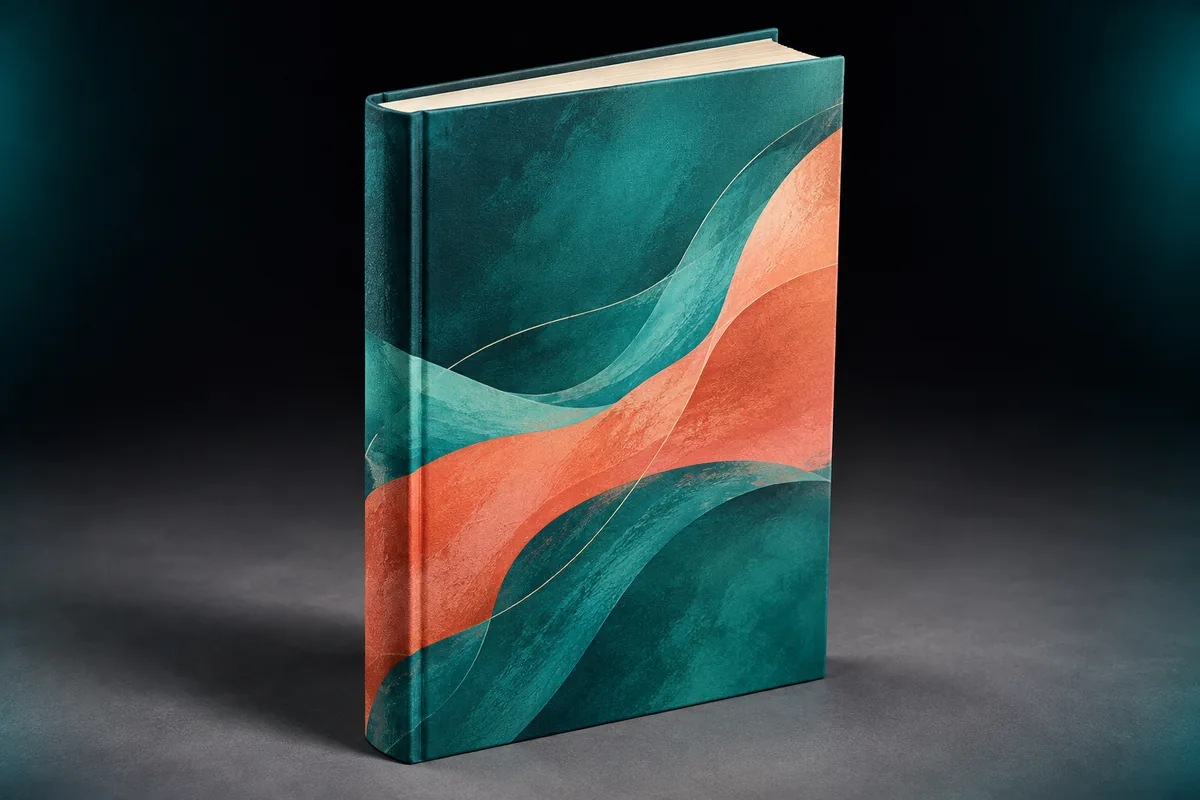
How to use the 3d mockups & book covers studio
Upload your design
A cover, label or screenshot. It stays in your browser.
Pick a mockup
Book, box, phone, laptop or jar.
Adjust and download
Rotate, change finish and background, then save a PNG.
Why use Vixo for 3d mockups & book covers
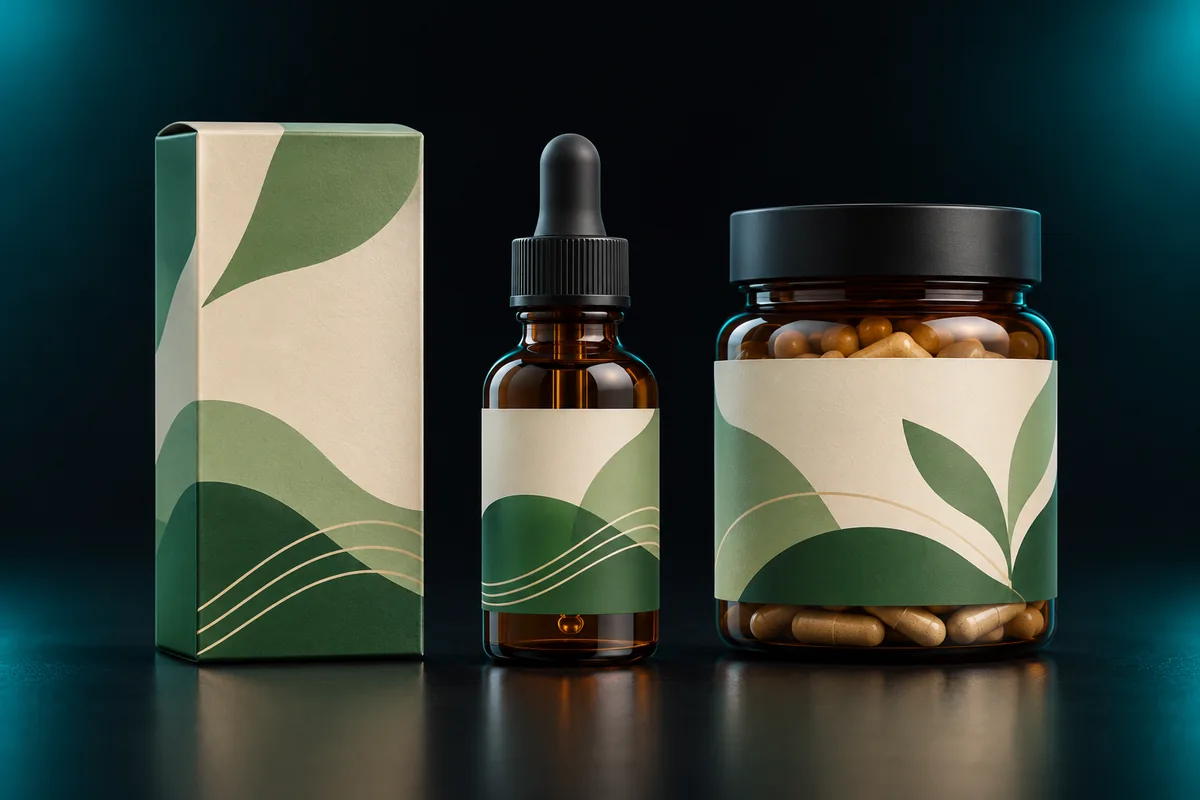
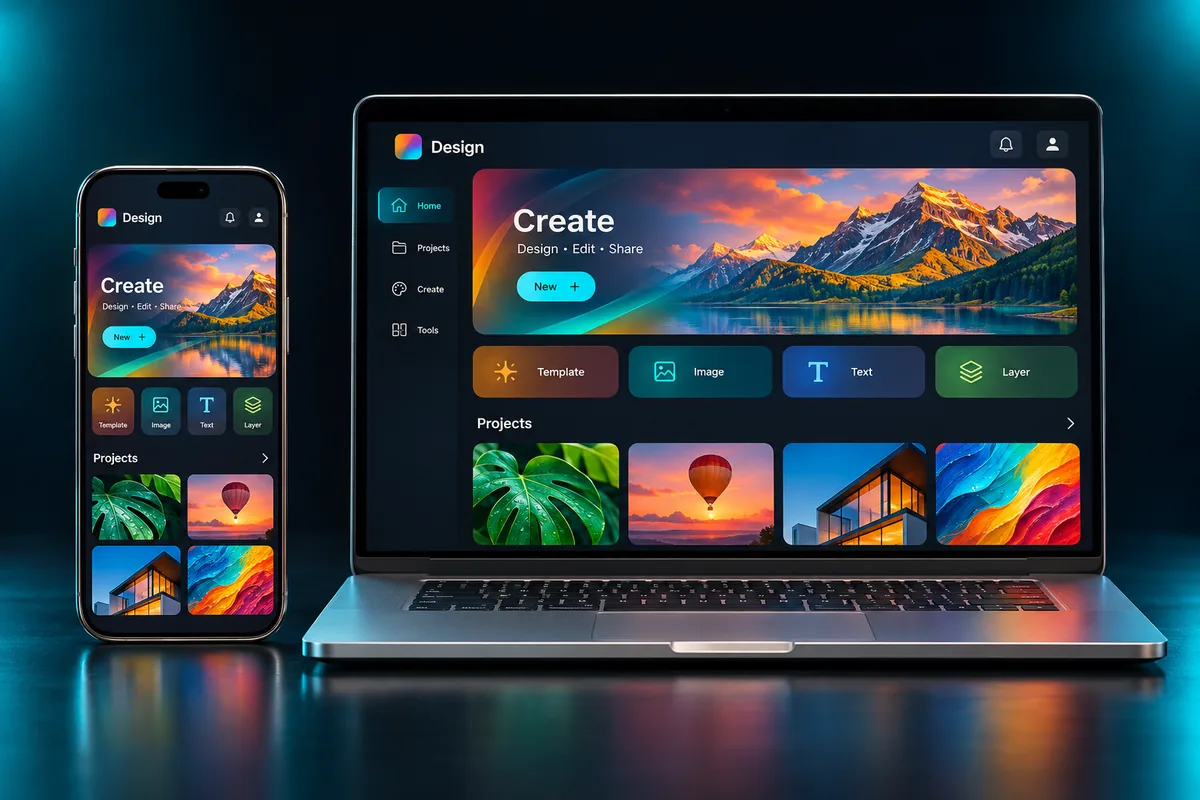
Background color
Match your site or store listing.
PNG download
Save the current view. Works today.
Private by default
Your design never leaves your browser.
Questions, answered
What works today?
Everything on this page works now: upload, the five 3D presets, camera angle, finish, background and PNG download. Photo realistic AI renders are in preview and open at launch.
Do I need Photoshop?
No. There are no smart objects to edit. Upload an image and adjust it here.
What size should my design be?
A portrait image around 1600 by 2400 pixels works well for books and boxes. Screens use the image as is.
Is my file uploaded?
No. The mockup is built in your browser.
Explore other studios
All tools








Ready to try the 3d mockups & book covers studio?
Your first draft is about a minute away.