This studio is in preview. Create a free account and we will let you know when it goes live.
Notify me at launch Comics & Manga Panels
Comic maker with speech bubbles
A simple page builder for comic strips, with lettering tools that work in your browser.
- In preview: try the studio, generation opens soon
- Edit before export
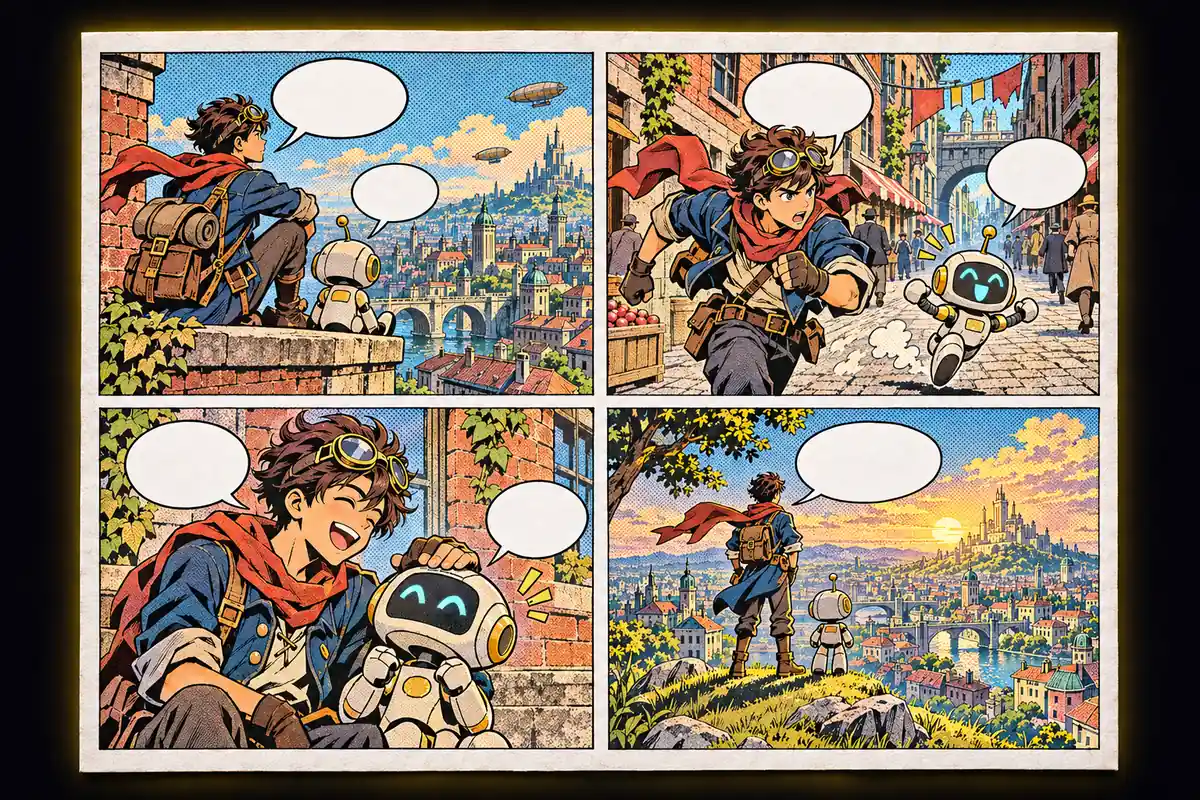
How to use the comics & manga panels studio
Choose a layout
Two to six panel grids or a manga style page.
Fill the panels
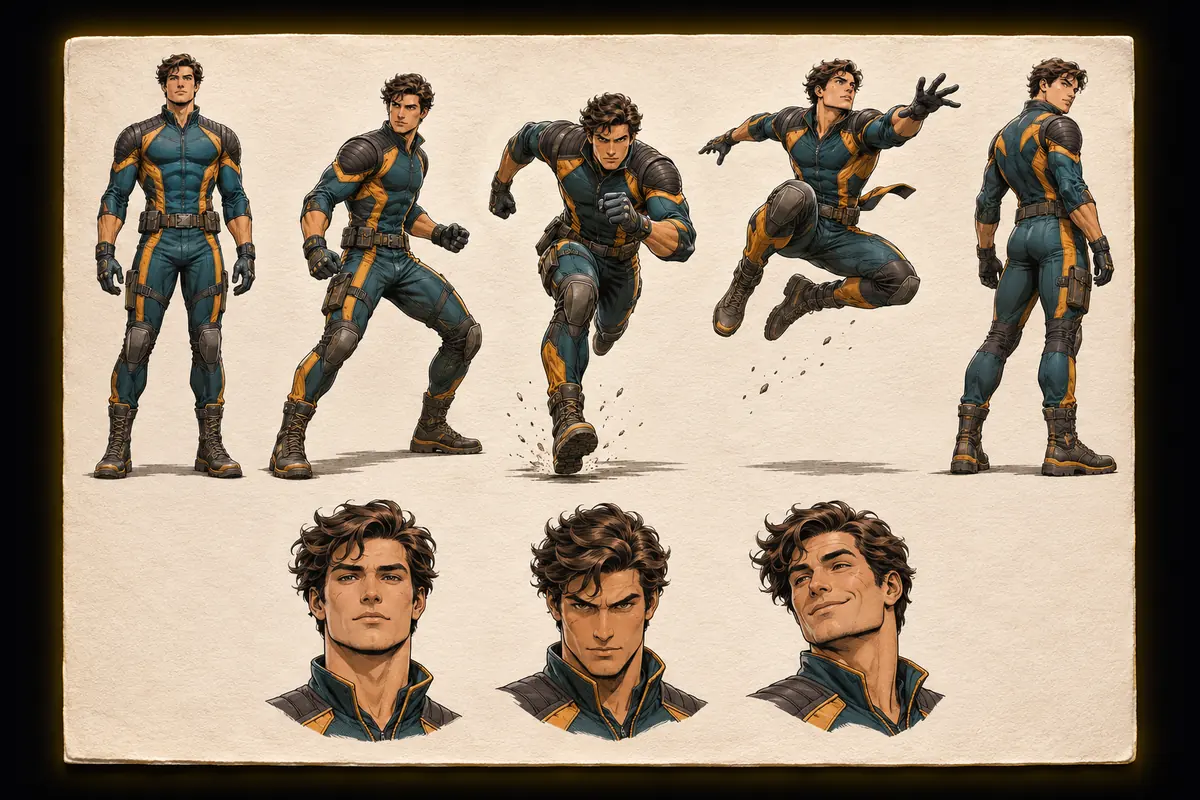
Add your own images now, or generate art from a script at launch.
Letter and export
Drag speech bubbles into place and download the page.
Why use Vixo for comics & manga panels
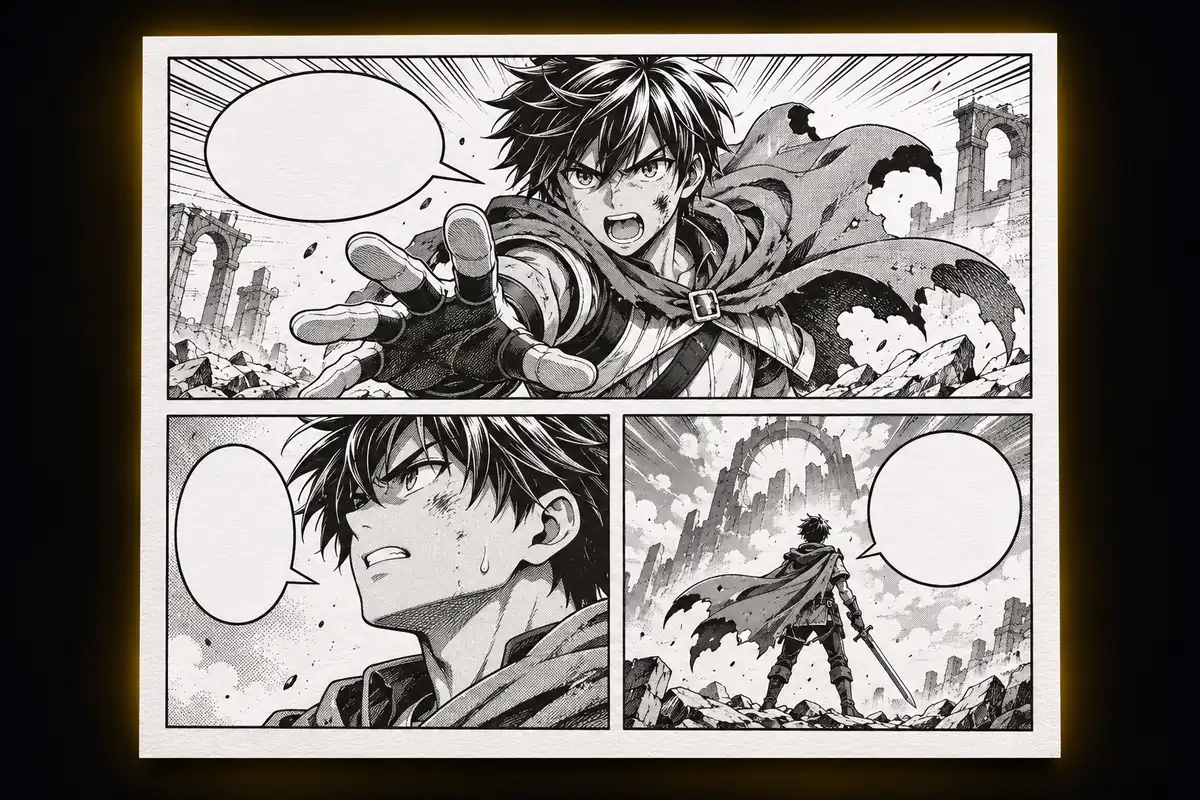
Screentone filter
A halftone look for manga pages.
Captions
A narration box for every panel.
Page export
Download the page as a PNG.
Questions, answered
What works today?
Layouts, your own images, speech bubbles, captions, fonts, screentone and PNG export all work now. Generating panel art from a script is in preview and opens at launch.
Will characters stay consistent between panels?
That is the goal of the AI step, and results will vary. You will be able to regenerate a single panel.
Can I use my own drawings?
Yes. Upload an image into any panel and letter it here.
Which page size is exported?
A portrait page at 1200 by 1700 pixels.
Explore other studios
All tools








Ready to try the comics & manga panels studio?
Your first draft is about a minute away.