This studio is in preview. Create a free account and we will let you know when it goes live.
Notify me at launch Animated Video Captions
AI subtitle generator with animated styles
Readable, on brand subtitles for videos that are often watched without sound.
- In preview: try the studio, generation opens soon
- Edit before export
How to use the animated video captions studio
Open a video
Pick a file from your device or use the built in sample. Your file stays in your browser.
Fix the words
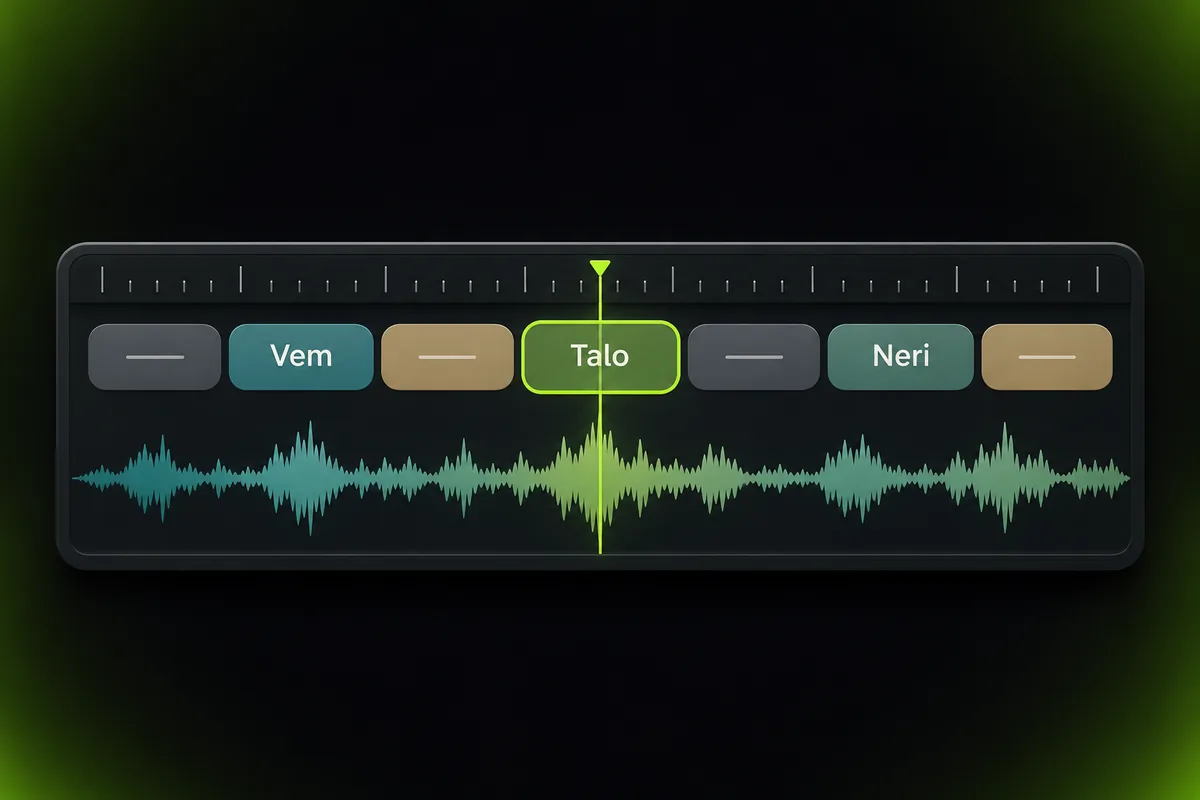
Edit any word or its timing. Click a word to jump to that moment.
Style the captions
Choose one of six animated styles, then set position, size and color.
Why use Vixo for animated video captions
Six caption styles
Word pop, karaoke highlight, bounce, typewriter, two line bold and emoji accent.
Try the captions studio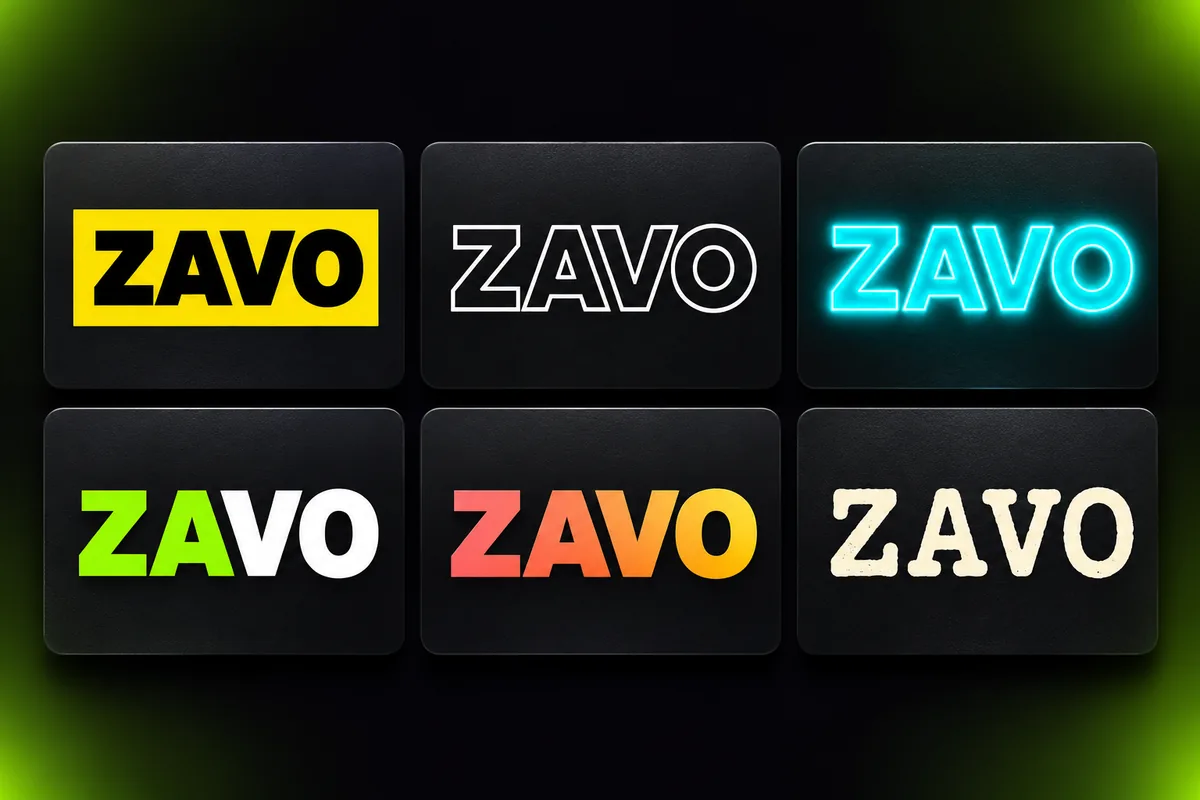
Position and size
Move captions up or down and scale them for the frame.
Brand colors
Set the text and highlight colors.
Safe area guide
A 9:16 overlay that shows where app buttons cover the video.
Questions, answered
Can I export a captioned video today?
Not yet. The studio is in preview: you can play your own video with styled captions on screen, but automatic transcription and export are not switched on. Sign up to be notified.
Is my video uploaded?
No. In the preview your file plays locally in your browser and is never sent to our servers.
Where do the words come from?
The preview uses a sample transcript that you can edit. Automatic transcription arrives with the full release.
Which formats are supported?
Any video your browser can play, for example MP4 and WebM.
Explore other studios
All tools


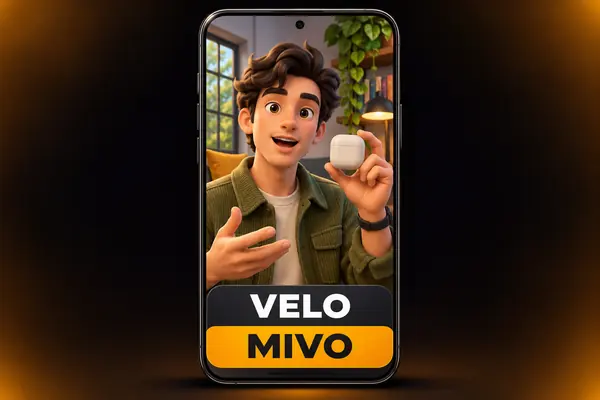








Ready to try the animated video captions studio?
Your first draft is about a minute away.