 Stickers & Sticker Packs
Custom sticker generator
Laptop stickers, packaging seals and merch freebies from a single prompt.
- 3 free designs a day, no sign up
- 30 a month with a free account
- Edit before export
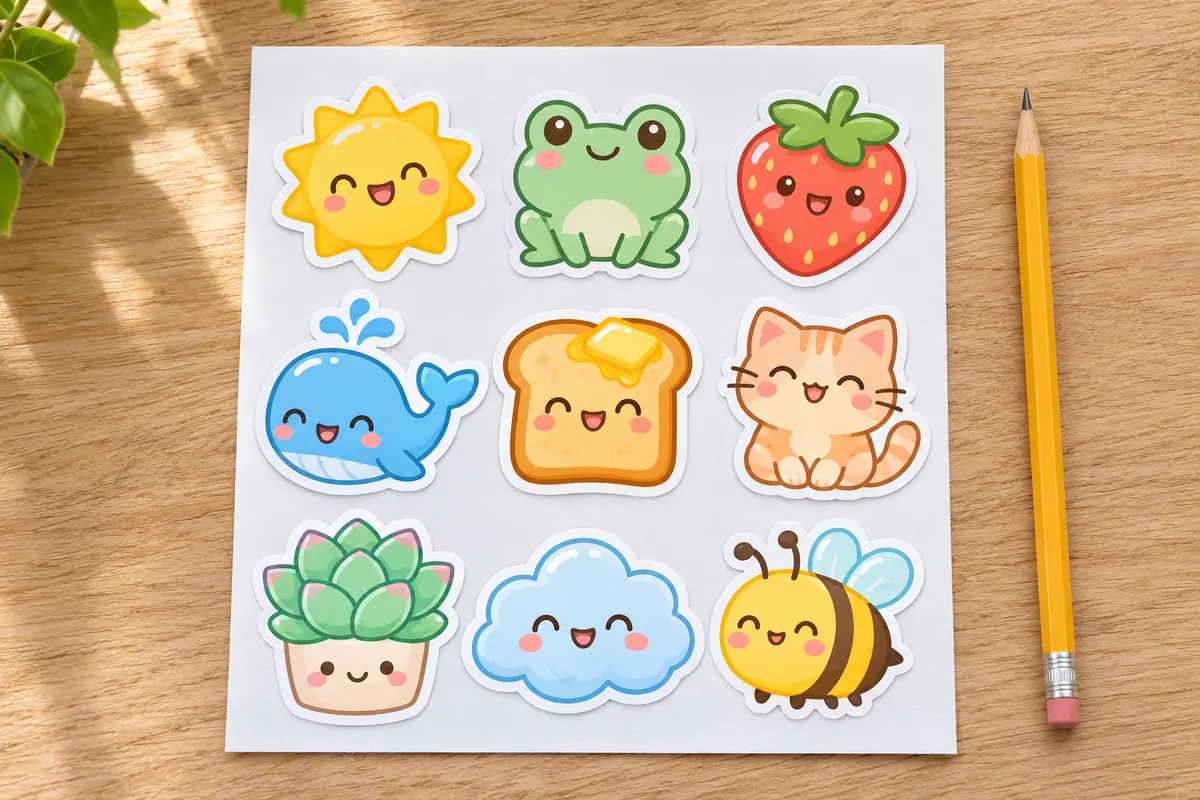
How to use the stickers & sticker packs studio
Step 1
Describe the theme
For example an astronaut corgi drinking coffee.
Step 2
AI illustrates the set
Bold outlines and saturated colors on a clean background.
Step 3
Border and export
Adjust the die-cut border, then export PNGs or a print sheet.
Why use Vixo for stickers & sticker packs
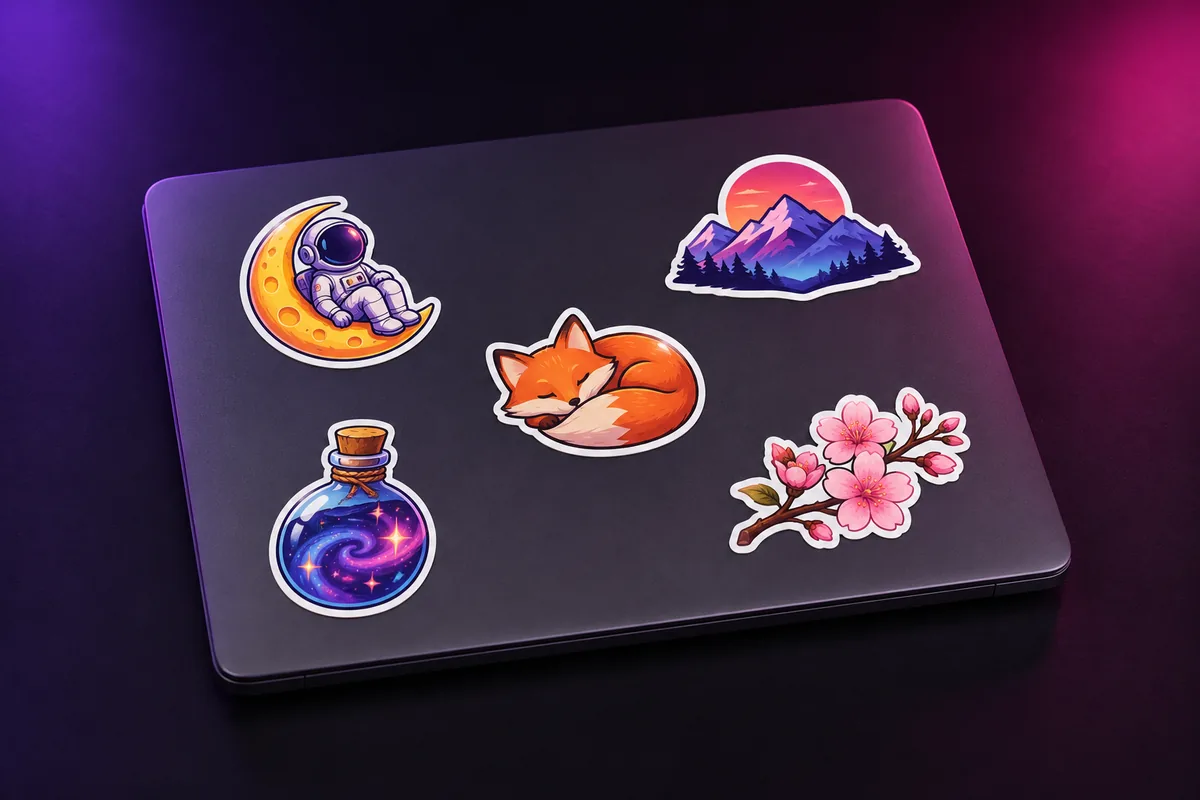
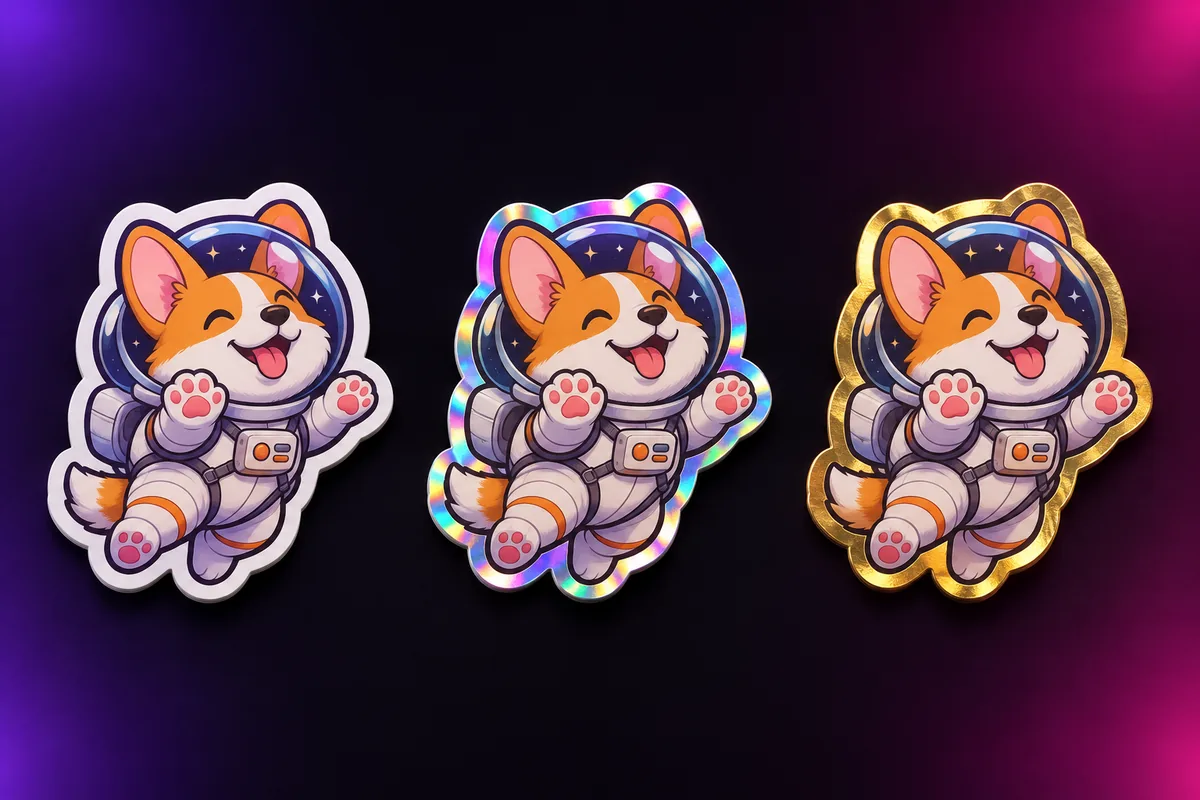
Four styles
Kawaii, holographic vinyl, vaporwave and line art.
Drop shadow
An optional soft shadow for mockups.
Retry one sticker
Regenerate a single sticker without redoing the pack.
Questions, answered
How do I make custom stickers?
Generate the art, add a border so there is a clear cut line, then print the sheet at home or upload the PNGs to a sticker printer.
Can I use them on WhatsApp or Telegram?
Yes. Export the 512x512 transparent files and add them with the sticker tools those apps provide.
Do the stickers have a transparent background?
Yes, the background is removed and only the art and border remain.
Explore other studios
All tools







Ready to try the stickers & sticker packs studio?
Your first draft is about a minute away.