 YouTube Thumbnails & Banners
YouTube thumbnails that earn the click
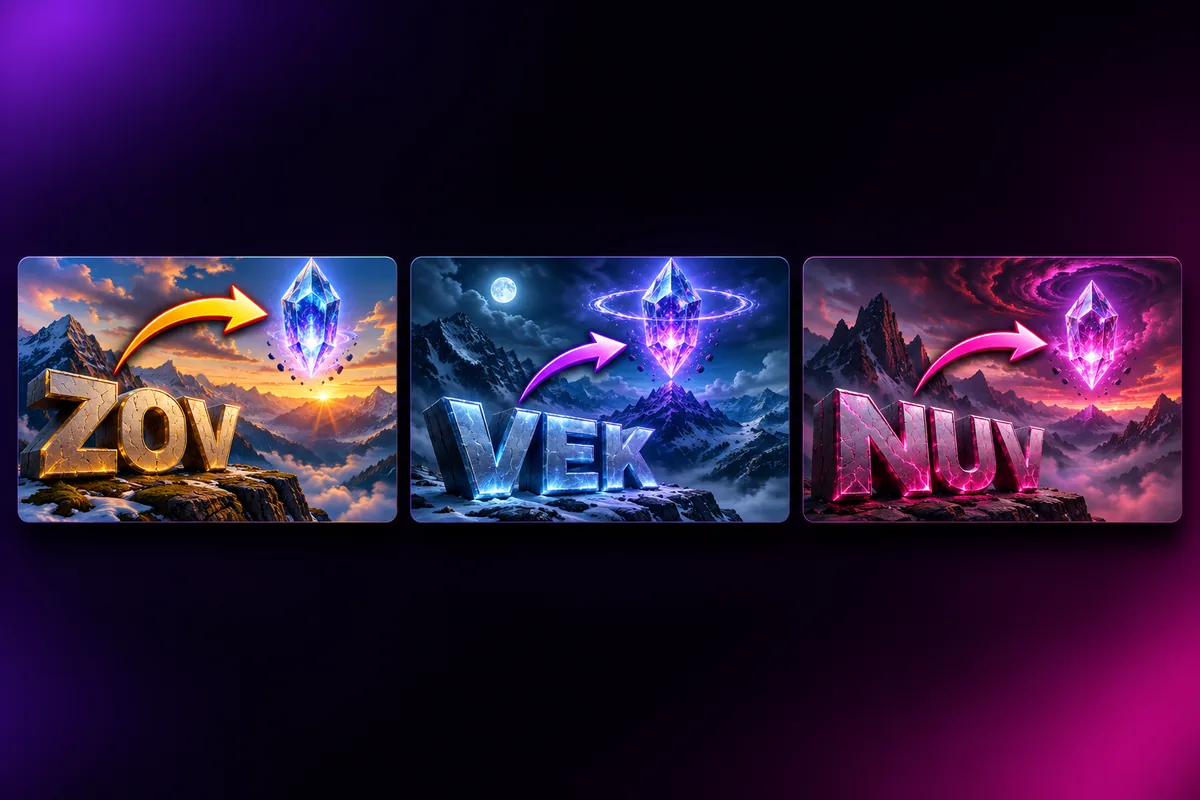
Paste your video title. Vixo writes short hooks, creates cinematic backgrounds and lets you finish with bold 3D text, arrows and glow.
- 3 free designs a day, no sign up
- 30 a month with a free account
- Edit before export
How to use the youtube thumbnails & banners studio
Step 1
Paste your title
Add the niche and, if you like, a selfie for the creator cut-out.
Step 2
AI makes three takes
Three hooks and three background scenes to compare.
Step 3
Finish and export
Edit text, add arrows, then download all three for A/B testing.
Why use Vixo for youtube thumbnails & banners
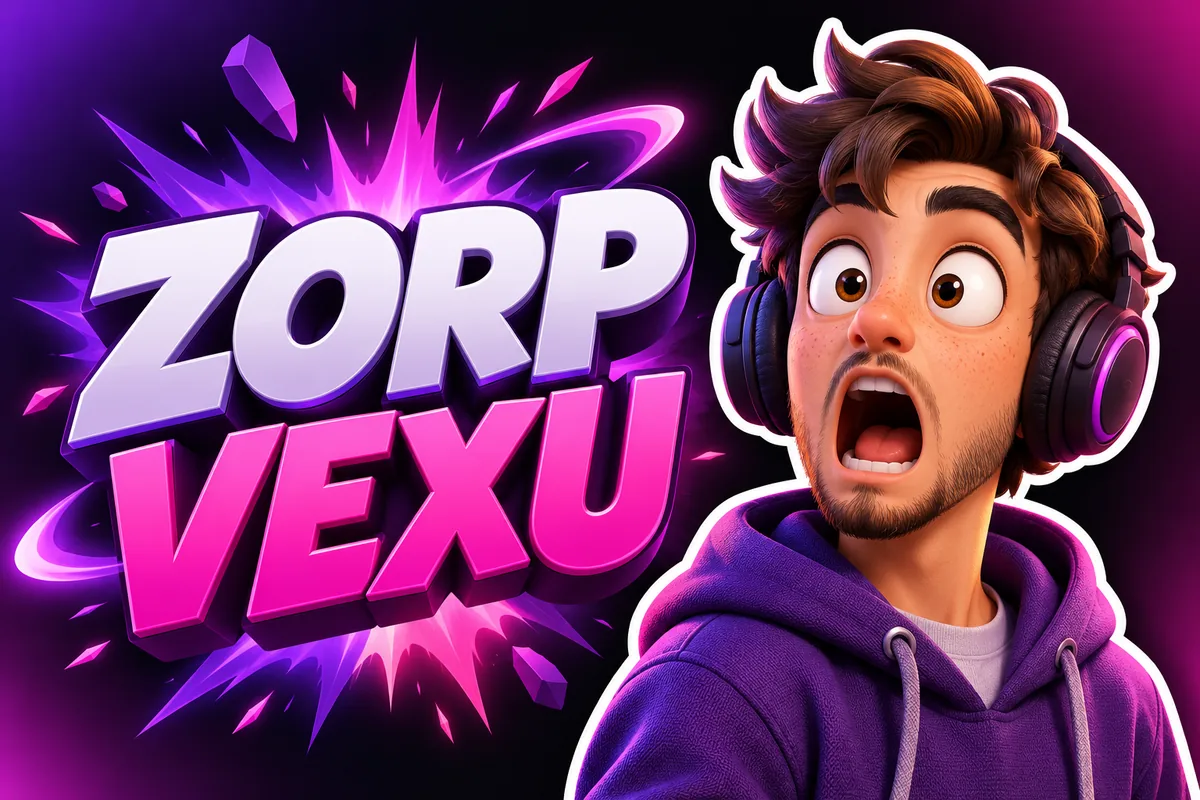
Creator cut-out
Upload a selfie and appear on the thumbnail.
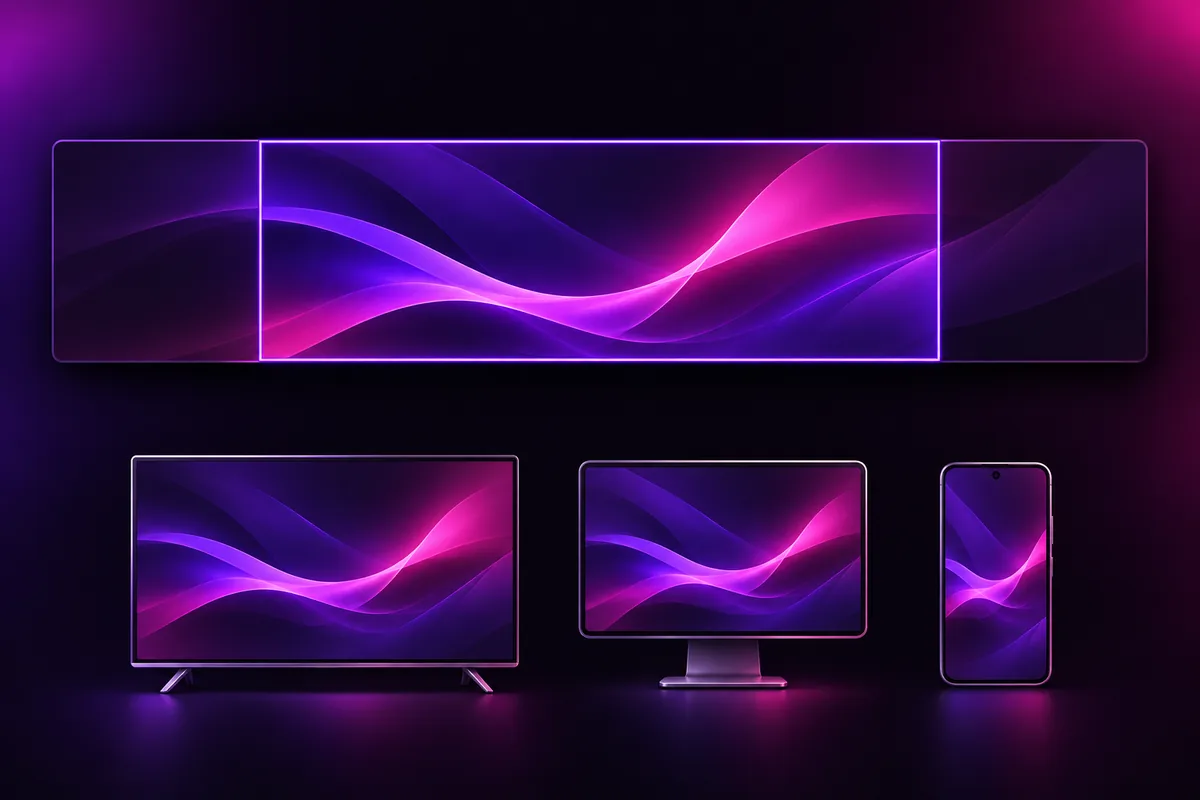
Banner safe areas
A 2560x1440 guide for desktop, tablet and mobile zones.
A/B export
Download three variations in one click.
Questions, answered
What size is a YouTube thumbnail?
1280x720 pixels, 16:9. Vixo exports exactly that size.
What size is a YouTube banner?
2560x1440 pixels. Keep text inside the central safe area, which the editor shows as a guide.
Can I put my face on it?
Yes. Upload a selfie that you own and the AI places you in the scene.
Also known asYouTube banner maker with safe-area guides
Explore other studios
All tools






Ready to try the youtube thumbnails & banners studio?
Your first draft is about a minute away.